What is HeadshotGenerator.net?
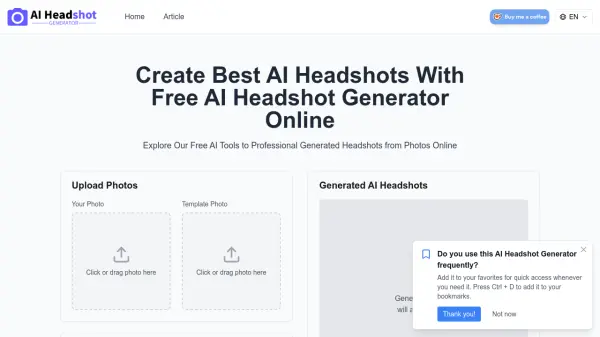
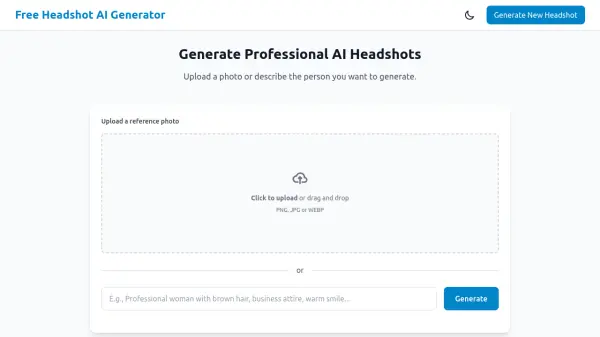
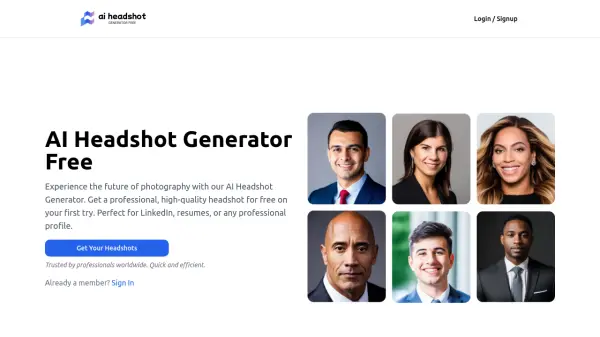
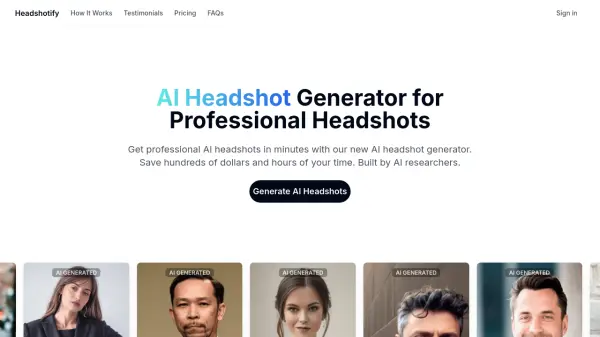
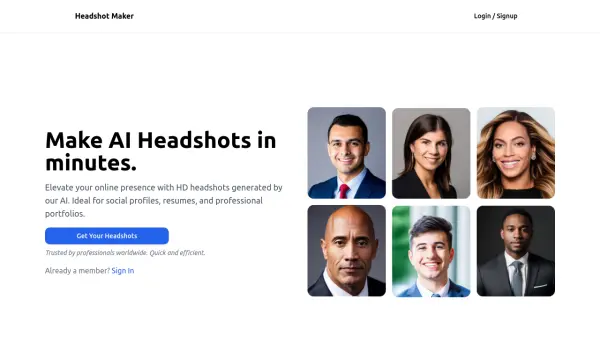
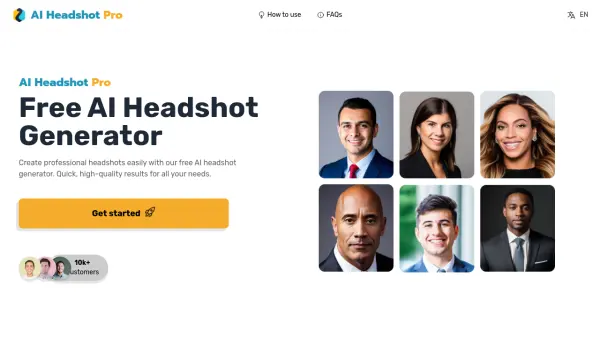
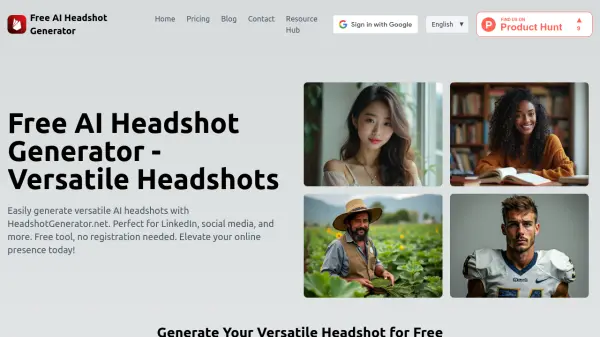
HeadshotGenerator.net is a free tool designed to create versatile AI-generated headshots. It caters to a wide range of needs, from professional profiles like LinkedIn to social media platforms. The service does not require user registration, offering a straightforward and efficient way to enhance your online image.
The platform leverages artificial intelligence to produce headshots that appear natural and adapt to various contexts. Users input their requirements, and the AI generates an image tailored to their specifications. For users seeking further personalization, HeadshotGenerator.net provides the option to train a personal AI model by uploading their photographs. This allows the creation of headshots in any conceivable scenario or location.
Features
- Free Headshot Generation: Create AI headshots without any cost.
- No Registration Required: Access the tool and generate headshots without signing up.
- Versatile Headshots: Suitable for LinkedIn, social media, and other platforms.
- Personal AI Model Training: Upload photos to train a personalized AI model for custom headshots.
- Custom Scenario Generation: Generate headshots in any imaginable scenario or location.
Use Cases
- Creating a professional LinkedIn profile picture.
- Generating a headshot for a company website.
- Developing avatars for gaming profiles.
- Crafting a polished image for a design portfolio.
- Enhancing social media profiles like Instagram and Twitter.
- Using on dating profiles
- Job application profiles.