What is HDDScan?
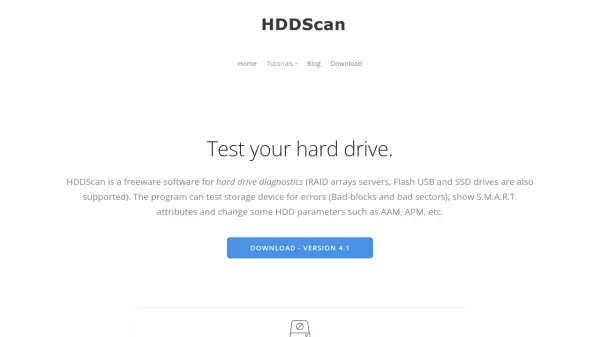
HDDScan is a freeware diagnostic tool designed for comprehensive testing and monitoring of storage devices, including hard drives, RAID arrays, USB flash drives, and SSDs. The software performs error detection for bad blocks and sectors, analyzes S.M.A.R.T. attributes to assess drive health, and offers features like temperature monitoring and performance benchmarking with graphical displays.
It supports various storage interfaces such as IDE, SATA, SCSI, USB, and FireWire, providing tests in linear and butterfly modes for verification, reading, and erasing. Additional capabilities include adjusting drive parameters like AAM and APM, running S.M.A.R.T. tests, and generating detailed reports in MHT format. HDDScan helps users predict drive degradation to prevent data loss and is compatible with Windows operating systems from XP to 10.
Features
- Error Detection: Tests for bad blocks and sectors on storage devices
- S.M.A.R.T. Analysis: Reads and analyzes S.M.A.R.T. attributes to monitor drive health
- Temperature Monitoring: Tracks drive temperature in real-time
- Performance Benchmarking: Displays reading/writing speed graphs for tests
- Drive Parameter Adjustment: Allows changing AAM, APM, and PM settings
- Multiple Test Modes: Includes verification, reading, erasing, and butterfly read tests
- Report Generation: Saves detailed reports in MHT format for analysis
- Wide Device Support: Compatible with IDE, SATA, SCSI, USB, FireWire, RAID, and SSD drives
Use Cases
- Regular health checks for hard drives to prevent data loss
- Diagnosing storage device errors and performance issues
- Monitoring drive temperature to prevent overheating
- Benchmarking read/write speeds for performance analysis
- Adjusting drive settings like acoustic management and power management
- Running S.M.A.R.T. tests to assess drive reliability
- Testing USB flash drives and SSDs for defects
- Generating reports for drive maintenance and troubleshooting
FAQs
-
What operating systems does HDDScan support?
HDDScan is compatible with Windows XP SP3, Windows Server 2003 (with restrictions), Windows Vista, Windows 7, Windows 8, and Windows 10. -
Can HDDScan test USB flash drives?
Yes, HDDScan supports surface tests for USB flash drives, but S.M.A.R.T. capabilities may depend on the drive's controller chip. -
What types of tests can HDDScan perform on storage devices?
HDDScan offers verification, reading, erasing, and butterfly read tests, along with S.M.A.R.T. tests including short, extended, and conveyance tests. -
Does HDDScan support SSD drives?
Yes, HDDScan supports SATA/ATA SSDs and can generate SSD SMART and identity reports, with compatibility depending on the SSD controller. -
How can I save reports generated by HDDScan?
Reports can be saved in MHT format and printed for documentation and analysis purposes.