What is GPT-Prompter?
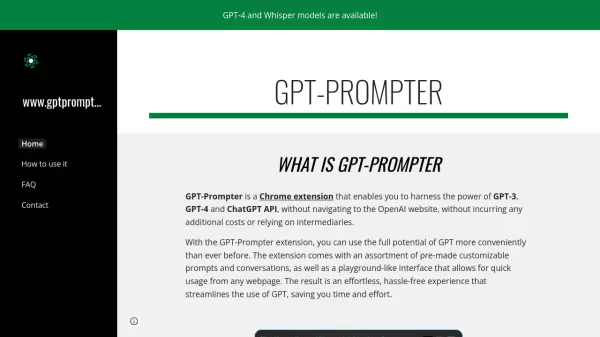
GPT-Prompter is an innovative Chrome extension designed to streamline access to OpenAI's powerful language models including GPT-3, GPT-4, and ChatGPT API. It eliminates the need to visit the OpenAI website directly, while maintaining cost efficiency by avoiding intermediary services.
The extension provides a sophisticated playground-like interface that integrates seamlessly with any webpage, offering pre-made customizable prompts and conversations. This design approach ensures users can leverage the full capabilities of GPT models while enjoying a more convenient and efficient workflow.
Features
- Direct API Integration: Connect directly to GPT models without intermediaries
- Custom Prompts: Pre-made and customizable prompt templates
- Playground Interface: User-friendly interface accessible from any webpage
- Cost Efficiency: No additional costs beyond OpenAI API usage
- Multi-Model Support: Compatible with GPT-3, GPT-4, and ChatGPT API
Use Cases
- Quick text analysis while browsing
- Content generation on any website
- Research assistance
- Writing enhancement
- Information extraction from web pages
FAQs
-
Do I need an OpenAI API key to use GPT-Prompter?
Yes, you need your own OpenAI API key to use the extension as it connects directly to OpenAI's services. -
Can I use GPT-Prompter on any website?
Yes, the extension works on any webpage, allowing you to analyze and generate content wherever you browse. -
Does GPT-Prompter charge additional fees?
No, GPT-Prompter doesn't charge additional fees beyond your normal OpenAI API usage costs.