What is Gling?
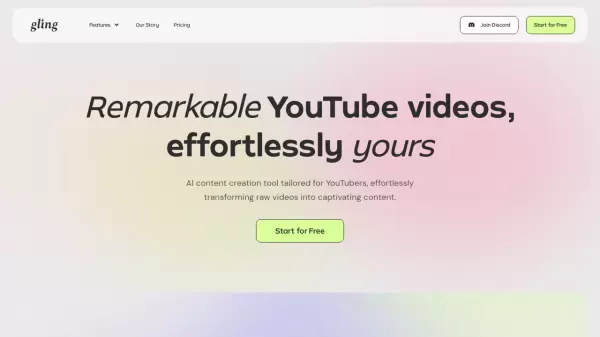
Gling is a sophisticated AI-powered video editing platform tailored specifically for YouTube content creators. The software streamlines the editing process by automatically removing bad takes, silences, and filler words, while providing professional-grade features such as AI captions, automated zoom functionality, and noise removal capabilities.
The platform enhances content creation workflow through its intelligent features including YouTube title generation, chapter creation, and video suggestion tools. Gling seamlessly integrates with popular editing software like Final Cut Pro, DaVinci Resolve, and Adobe Premiere, offering flexible export options in MP4 or MP3 formats with SRT caption support.
Features
- AI Text-Based Trimmer: Automatically removes bad takes and filler words
- Smart Captioning: Generates automatic captions and subtitles
- Auto Framing: Intelligent zoom in/out functionality
- Noise Removal: Eliminates background noise
- Content Optimization: Generates YouTube titles and chapters
- Professional Integration: Export to major editing software
- Multi-format Export: Supports MP4, MP3, and SRT formats
Use Cases
- YouTube video editing
- Content optimization for social media
- Professional video production
- Voiceover refinement
- Multi-language content creation
- Educational content development
FAQs
-
What languages are supported in Gling?
The interface is in English, but it supports speech in English, Spanish, Portuguese, French, German, Russian, Italian, Dutch, and Hebrew. -
What file formats are supported?
Gling supports both audio and video files with codecs including aac, h264, mp3, opus, pcm_s16le, pcm_f32le, pcm_u8, vorbis, vp8, vp9, and av1. -
What are the limits of the paid subscription?
The Plus plan is limited to 10 hours of footage per month, while the Pro plan allows up to 30 hours monthly. Unused hours do not carry over to the next month.