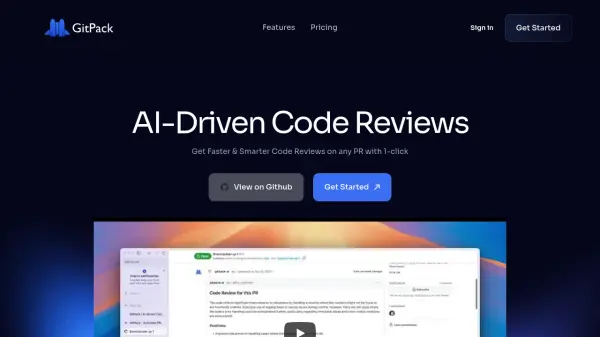
What is GitPack?
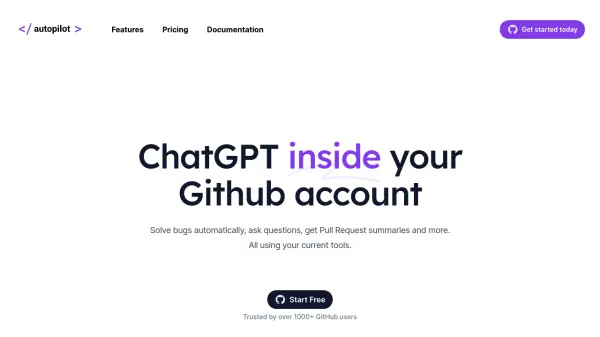
GitPack offers an AI-powered solution to streamline the code review process on GitHub. It automates routine checks on pull requests, allowing development teams to concentrate on building new features rather than manual inspections. The tool provides intelligent, context-aware testing suggestions specifically tailored to the project's needs, helping to identify potential bugs and maintain high coding standards.
Integration with GitHub repositories is seamless, requiring only a single click to install from the GitHub Marketplace. Once installed, GitPack operates automatically in the background, analyzing pull requests as they are created. This automated process ensures consistent quality assurance and provides instant feedback, contributing to the overall health and reliability of applications and services.
Integration with GitHub repositories is seamless, requiring only a single click to install from the GitHub Marketplace. Once installed, GitPack operates automatically in the background, analyzing pull requests as they are created. This automated process ensures consistent quality assurance and provides instant feedback, contributing to the overall health and reliability of applications and services.
Features
- AI-Driven Code Reviews: Automates code reviews on pull requests using AI.
- Seamless GitHub Integration: Installs directly from the GitHub Marketplace with one click.
- Context-Aware Feedback: Provides intelligent testing suggestions tailored to the project.
- Improve Code Quality: Helps catch bugs and maintain coding standards.
- Time Saving: Reduces time spent on manual code checks.
- Scalable Testing Platform: Adapts to unique needs and preferences.
- Multiple AI Models: Utilizes models like OpenAI GPT-4o and Anthropic Opus (depending on plan).
- End-to-end Quality Assurance: Offers instant feedback related to code changes.
Use Cases
- Automating routine code reviews for development teams.
- Improving code quality and consistency across projects.
- Providing developers with faster feedback on pull requests.
- Catching potential bugs early in the development cycle.
- Standardizing code review processes within an organization.
FAQs
-
What is GitPack?
GitPack is a Github App that automatically submits tests on your pull requests. It understands your changes and suggests detailed improvements and sometimes even catches bugs. -
How do I install GitPack AI?
You can install GitPack AI directly from the GitHub Marketplace with a single click. -
Does GitPack support private repositories?
Yes, GitPack supports both unlimited public and private repositories on its paid plans (Basic and Business). The free plan supports unlimited public repositories.