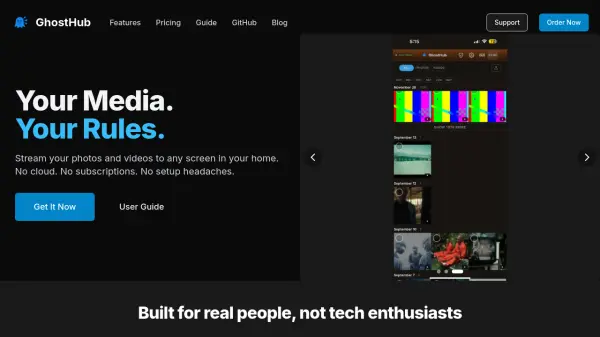
What is GhostHub?
GhostHub is a personal media hub designed for streaming photos and videos to any screen in your home. It operates without cloud storage, subscriptions, or complex setup processes, ensuring user privacy and ease of use. The device works instantly upon plugging it in, requiring no apps, accounts, or technical knowledge, making it accessible for non-technical users.
It offers three browsing modes: TikTok-style swipe, Netflix-like scroll, and photo gallery view. Users can cast content to their TV with a single tap, control playback from their phone or laptop, and enjoy features like continue watching and real-time watch parties. GhostHub supports remote access via secure mesh networking or HTTP tunnels, and files stay on the user's device for enhanced privacy.
Features
- Privacy Conscious: Your data stays on your hardware, not on external servers.
- Media Collectors: One-time purchase with no monthly fees.
- Non-Technical Users: No apps, accounts, or settings to configure.
- Off-Grid Setups: Works without internet for RVs, cabins, or boats.
- Three Ways to Browse: Swipe like TikTok, scroll like Netflix, or browse like a photo gallery.
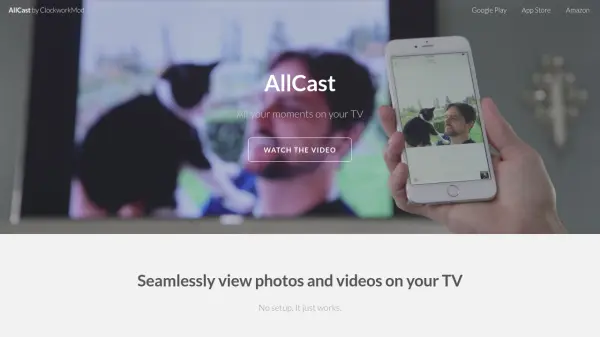
- Cast to Any Screen: Tap a button to watch on TV, controlled from phone or laptop.
- Watch From Anywhere: Built-in remote access via secure mesh or HTTP tunnels.
- Upload & Organize: Drag and drop files from phone or computer into folders.
- Always Remembers: Resumes playback where you stopped across devices.
- Watch Together: Real-time watch parties with perfect sync for family anywhere.
Use Cases
- Streaming personal photos and videos to home screens without cloud services.
- Sharing media with family in remote locations via secure access.
- Using in off-grid environments like RVs, cabins, or boats without internet.
- Hosting real-time watch parties with synchronized playback.
- Organizing and browsing media collections with multiple viewing options.
FAQs
-
What is GhostHub OasiS?
A personal media hub that lets you watch your photos and videos anywhere with three browsing layouts, TV casting, and sharing capabilities, requiring no accounts, cloud, or monthly fees. -
What's the difference between OasiS 3.0 and the free version?
OasiS 3.0 includes three viewing modes, TV casting, continue watching, watch parties, secure remote access, drag-and-drop uploads, and ready-to-use hardware, while the free version has basic streaming but requires technical setup and lacks these features. -
Do I need technical skills to use GhostHub OasiS?
No, it's designed for non-technical users; just plug it in, connect to your network, and it works instantly with no setup required. -
How does TV Casting work with GhostHub OasiS?
Connect it to your TV via HDMI, browse videos on your phone, tap Cast to play on the TV, and control playback, seek, and volume from your phone like a remote. -
Can I share media with people outside my home using GhostHub OasiS?
Yes, through three remote access options: Headscale/Tailscale Mesh for privacy, Cloudflare Tunnel for easy sharing, or Pinggy, all without port forwarding.