Gensmo favicon

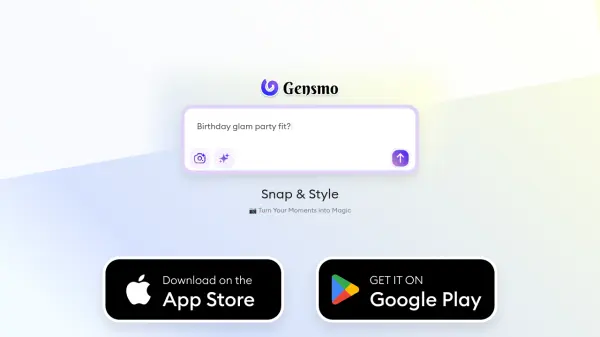
Gensmo
Turn Your Moments into Magic

What is Gensmo?

Gensmo is an AI-powered search engine designed to revolutionize the way users discover information. Instead of presenting traditional lists of links, Gensmo transforms searches into engaging adventures, displaying results as interactive and visually appealing moodboards.

This approach makes exploring queries a more dynamic and enjoyable experience. Gensmo tailors results to match the user's style, mood, and specific moments, effectively providing personalized solutions.

Features

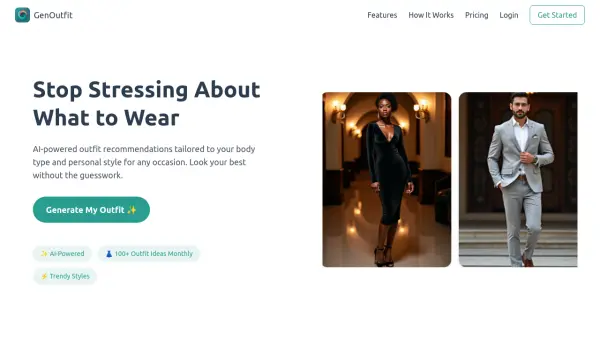
  • Clothing Stylist: Mix and match styles, swap accessories, and find the perfect outfit.
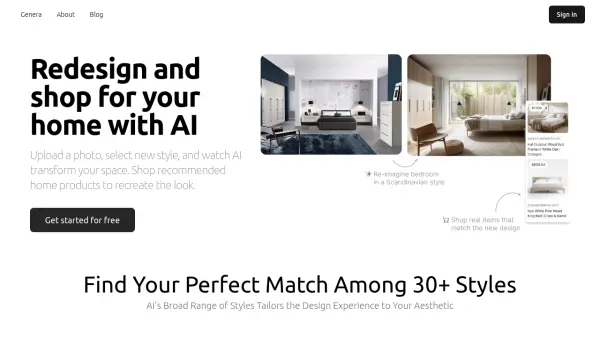
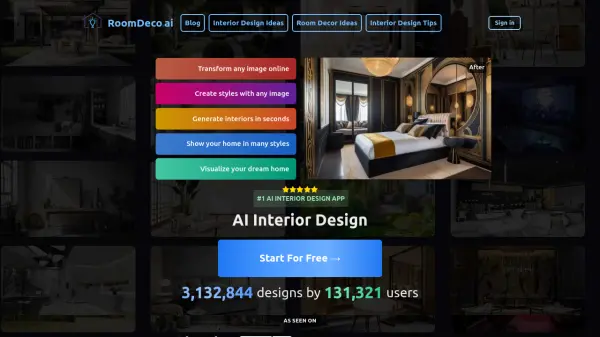
  • Home Decoration Designer: Curates furniture, colors, and accents tailored to your style.
  • Gift Adviser: Helps create unique and impressive gift ideas.
  • Recipe Suggestion Chef: Provides detailed recipe collages based on uploaded photos of dishes.

Use Cases

  • Finding outfit inspiration for events.
  • Designing and decorating home spaces.
  • Discovering unique gift ideas.
  • Getting recipe suggestions from images.

Related Tools:

Blogs:

  • Chat with PDF AI Tools

    Chat with PDF AI Tools

    Easily interact with your PDF documents using our advanced AI-powered tool. Whether you're reading lengthy reports, research papers, contracts, or eBooks, our platform lets you chat directly with your PDF files, ask questions, extract insights, and get summaries in real-time.

  • Best AI tools for recruiters

    Best AI tools for recruiters

    These tools use advanced algorithms and machine learning to automate tasks such as resume screening, candidate matching, and predictive analytics. By analyzing vast amounts of data quickly and efficiently, AI tools help recruiters make data-driven decisions, save time, and identify the best candidates for open positions.

  • Top 6 AI note-taking tools for 2026: in-person, online, and hybrid use cases

    Top 6 AI note-taking tools for 2026: in-person, online, and hybrid use cases

    Most AI note-taking lists are really lists of meeting bots, which join your video call and transcribe it. That's useful, but it's half the picture. Decisions happen in hallway conversations, client dinners, on-site visits, and hybrid rooms where nobody is on a video link. This guide covers different parts of the note-taking workflow: hardware capture for in-person settings, platform-native tools for online calls, and AI layers for organizing and synthesizing what you've captured. It compares six tools by capture context, workflow fit, pricing, and limitations.

Didn't find tool you were looking for?

Be as detailed as possible for better results