Genmeme favicon

Genmeme
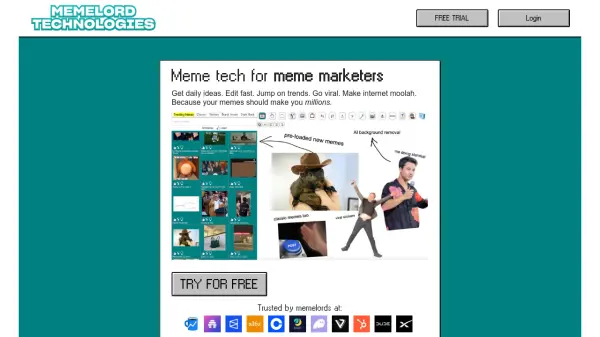
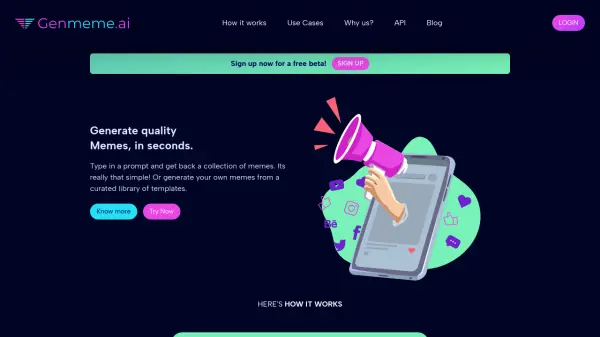
Generate quality Memes, in seconds.

What is Genmeme?

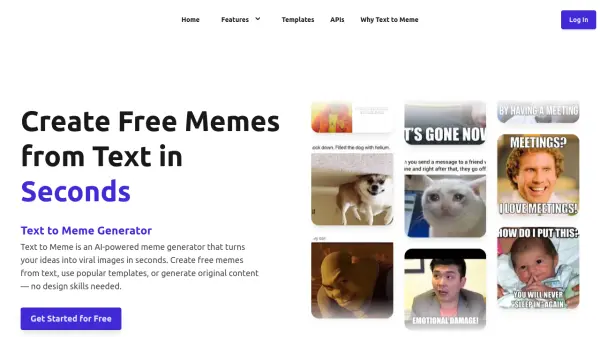
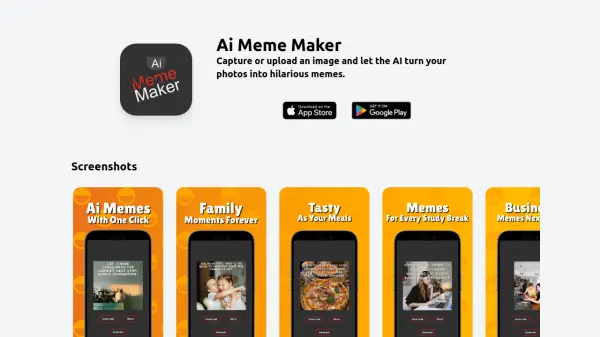
Genmeme is an AI meme generator that transforms text prompts into a diverse collection of memes. Users can also create memes from a curated library of templates. The platform is designed to be user-friendly, allowing anyone to easily generate high-quality, unique memes in seconds.

Genmeme eliminates the need for artistic or technical skills. By leveraging artificial intelligence, the tool ensures every meme is original, avoiding repetitive or clichéd content. This allows individuals and businesses to focus on audience engagement rather than the intricacies of meme creation.

Features

  • Text-to-Meme Generation: Create memes by simply typing in a text prompt.
  • Template Library: Generate memes from a curated selection of pre-existing templates.
  • Effortless Creativity: No artistic or technical skills are required to create memes.
  • Fast Generation: Creates high-quality memes within seconds.
  • Infinite Variety: Every meme is unique, providing a never-ending supply of fresh content.

Use Cases

  • Educational Material
  • Infographics
  • Email Marketing
  • Social Media Engagement
  • Current Events

Related Tools:

Blogs:

  • AI thumbnail maker tools

    AI thumbnail maker tools

    Automatically generate visually appealing and optimized thumbnails for various digital content, streamlining the design process and enhancing visual engagement

  • Best AI tools for trip planning

    Best AI tools for trip planning

    These tools analyze user preferences, budget constraints, and destination details to provide personalized itineraries, suggest optimal routes, recommend accommodations, and even offer real-time updates on weather and local events.

  • Top 6 AI note-taking tools for 2026: in-person, online, and hybrid use cases

    Top 6 AI note-taking tools for 2026: in-person, online, and hybrid use cases

    Most AI note-taking lists are really lists of meeting bots, which join your video call and transcribe it. That's useful, but it's half the picture. Decisions happen in hallway conversations, client dinners, on-site visits, and hybrid rooms where nobody is on a video link. This guide covers different parts of the note-taking workflow: hardware capture for in-person settings, platform-native tools for online calls, and AI layers for organizing and synthesizing what you've captured. It compares six tools by capture context, workflow fit, pricing, and limitations.

Didn't find tool you were looking for?

Be as detailed as possible for better results