What is FormtoNotion?
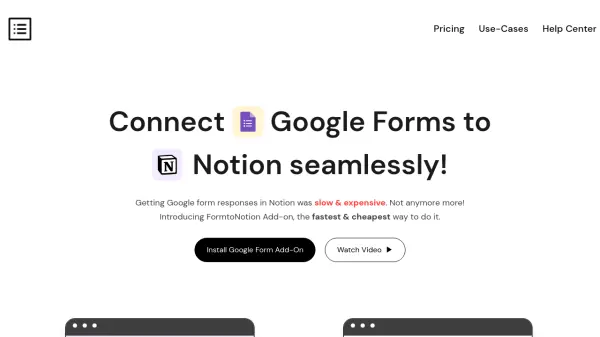
FormtoNotion is designed to bridge the gap between Google Forms and Notion, allowing users to instantly collect and transfer form responses into Notion tables without manual effort. The add-on provides a simple and cost-effective solution for users who rely on both tools yet lack a native integration for automated data flow.
With FormtoNotion, users experience unlimited, real-time response transfers and a setup process that requires no external sign-ups besides Google Forms and Notion. This makes it an ideal tool for teams and individuals seeking reliable, secure, and fast data management with full control over their integrations.
Features
- Unlimited Responses: No restrictions on the number of Google Form responses sent to Notion.
- Instant Sync: Google Form responses reach Notion tables instantly, enabling real-time updates.
- Easy Integration: Simple four-step connection process without the need for coding or third-party sign-ups.
- Affordable Pricing: Offers integration at a flat, low monthly rate.
- Secure Data Transfer: Data remains within Google and Notion, nothing is stored on external servers.
- Multiple Forms Support: Connect and automate unlimited forms with your Notion workspace.
- Refund Policy: 30-day refund policy available for peace of mind.
Use Cases
- Automating intake forms and recording submissions directly in Notion for project management.
- Streamlining HR application processes by sending job applicant data from forms to Notion databases.
- Tracking event registrations and managing attendee lists via live Google Form-to-Notion sync.
- Efficiently collecting and organizing survey responses in Notion for research or feedback analysis.
- Managing support ticket or customer inquiry forms, routed instantly into Notion for tracking.
FAQs
-
What is FormtoNotion?
FormtoNotion is a Google Form add-on that lets users connect Google Forms directly to Notion tables, automatically transferring all form responses. -
Is FormtoNotion free?
No, FormtoNotion requires a $5 monthly subscription fee to cover the costs of secure data transport. -
Can I try FormtoNotion before purchasing?
Yes, users can test the integration by sending a sample response through their form to see how data appears in Notion before committing. -
Who has access to my data?
Your data remains confidential and is securely transferred between Google Forms and Notion, without being stored on FormtoNotion servers. -
How is FormtoNotion different from other tools?
FormtoNotion provides faster and simpler integration compared to alternatives, with easy setup and instant response delivery.