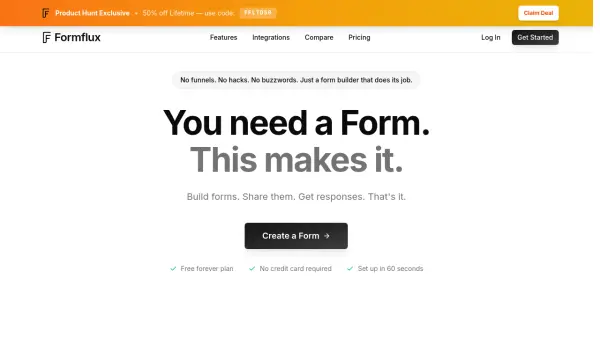
What is Formflux?
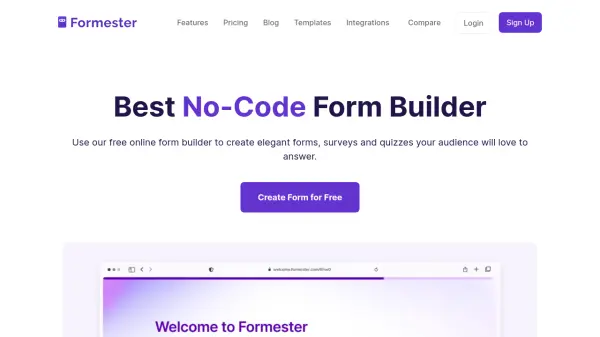
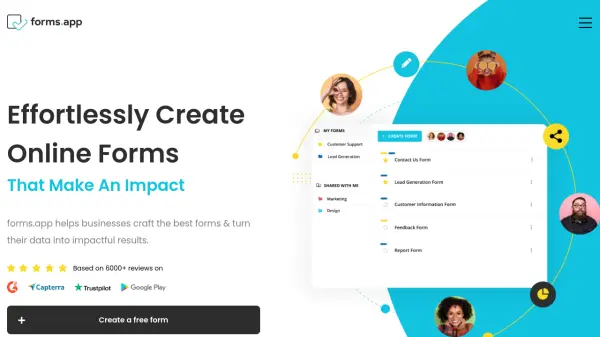
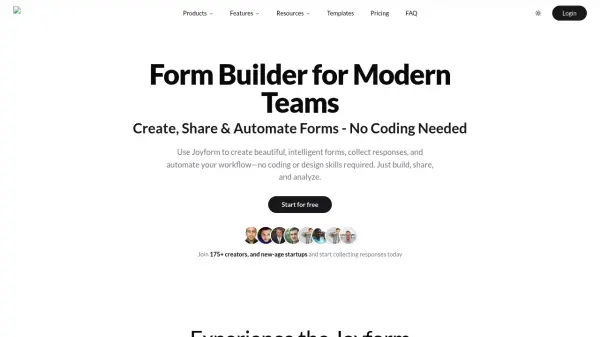
Formflux provides a no-fuss form building experience with drag-and-drop functionality, AI-assisted form generation, and both standard and conversational display modes. The platform supports unlimited forms and responses on all plans, and includes features like logic rules, validation, and customizable themes.
With integrations including Google Sheets, Zapier, Slack, and Calendly, Formflux automates data collection and workflows. Advanced analytics track drop-off points and traffic sources, while Pro users can add AI credits, file uploads, and priority support.
Features
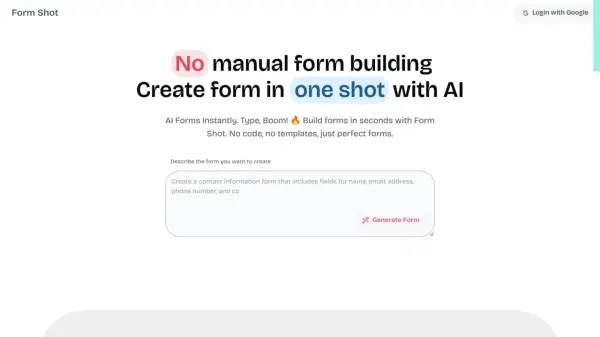
- AI Form Generator: Describe your form and the AI builds it with field types and a theme.
- Drag-and-Drop Builder: Build forms with live preview, undo/redo, and duplication.
- Two Display Modes: Standard one-page or conversational one-question-at-a-time mode.
- Integrations: Connect with Google Sheets, Zapier, Slack, Calendly, and more.
- Advanced Analytics: Track views, completions, drop-offs, and traffic sources.
Use Cases
- Collecting customer feedback
- Registration forms for events
- Lead generation for businesses
- Survey creation for research
- Order forms and bookings
FAQs
-
Is there a free plan?
Yes, Formflux offers a free plan with unlimited forms and responses, basic field types, standard and conversational modes, and export capabilities. -
How does the lifetime plan work?
The Pro Lifetime plan is a one-time payment of $99 that gives you access to all Pro features forever, including AI credits, advanced analytics, integrations, and priority support. -
Can I embed forms on my website?
Yes, Formflux supports embedding as iframe, inline, popup, or slider, and you can also share forms via link or QR code. -
What integrations are available?
Formflux integrates with Google Sheets, Zapier, Slack, Calendly, Cal.com, webhooks, Google Tag Manager, and includes email notifications.