What is Flawless?
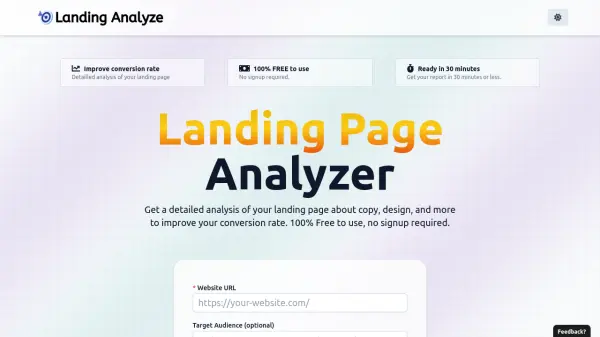
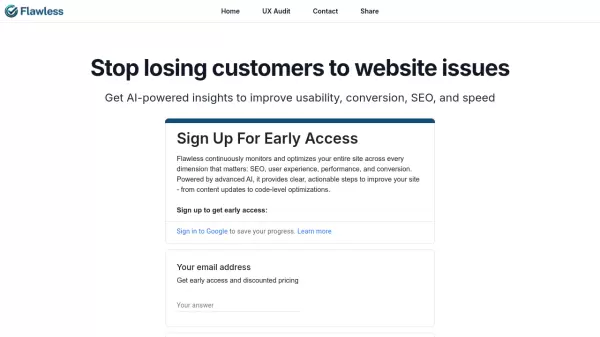
Flawless leverages GPT-4 Vision technology to perform comprehensive UX audits of landing pages through automated screenshot analysis. The platform examines design elements, usability factors, and conversion optimization opportunities to generate detailed, actionable recommendations.
The service captures full-page screenshots and conducts thorough assessments, providing side-by-side analysis with the captured image for easy reference. Results are delivered within 30-90 seconds, offering immediate insights for entrepreneurs, designers, and marketers looking to enhance their landing page performance.
Features
- Instant Analysis: Complete UX audit within 30-90 seconds
- GPT-4 Vision Integration: Advanced AI-powered screenshot analysis
- Visual Reference: Side-by-side display of audit results with screenshots
- Permalink Access: Permanent URL for accessing audit results
- Full-Page Analysis: Complete top-to-bottom page assessment
Use Cases
- Landing page optimization
- Conversion rate improvement
- UX design validation
- Website usability testing
- Marketing message refinement
FAQs
-
How do you take the screenshots?
We use a third-party screenshot API called urlbox. In the future, we might build our own screenshot-taking capabilities. -
How do I come back to my audit?
Please bookmark the URL of the audit, it's a permalink you can use to come back to the audit at any time.