What is Flashback?
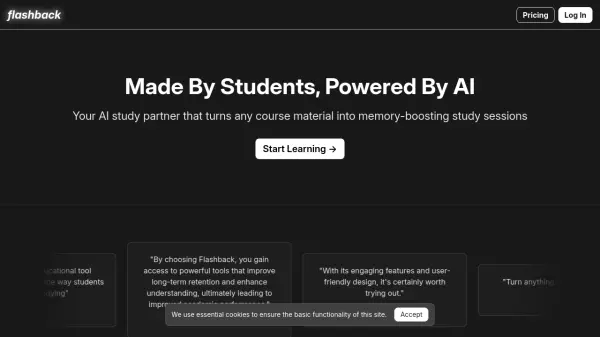
Flashback leverages artificial intelligence to function as a dedicated study partner, designed to enhance learning and memory retention. It allows users to transform diverse course materials, including notes, PDFs, YouTube videos, and text excerpts, into effective study tools like flashcards and quizzes. The platform focuses on making studying more interactive and efficient.
Users can import content from various sources, including Notion pages, and generate customized study aids. Flashback facilitates active recall through AI-generated multiple-choice and free-response quizzes, providing instant feedback. It also features an AI chat function for conversational learning, enabling users to verbally or textually review concepts, ask clarifying questions, and practice explaining topics to solidify understanding. The tool supports exporting flashcards to Anki for continued spaced repetition.
Features
- Flashcard Generation: Import materials from Notion, YouTube, PDFs, or text to create flashcards.
- Quiz Generation: Create AI-generated multiple-choice and free-response quizzes based on course material.
- Instant Feedback: Receive immediate feedback on quiz answers.
- AI Study Partner Chat: Engage in conversational active recall, ask questions, and practice explaining concepts.
- Anki Export: Export generated flashcards to Anki.
- Multiple Import Sources: Connect Notion pages, link YouTube videos, upload PDFs, or copy/paste text.
Use Cases
- Creating flashcards from lecture notes or textbooks.
- Generating practice quizzes for exam preparation.
- Using active recall techniques to improve memory.
- Getting AI assistance to clarify complex topics.
- Studying material from YouTube videos or PDFs interactively.
- Integrating study materials from Notion into a learning workflow.