What is FileSpeech?
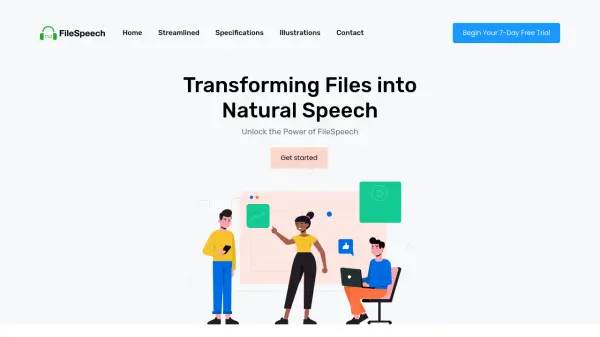
FileSpeech offers a streamlined solution for converting various file types into high-quality, natural-sounding speech. The platform supports multiple import methods, including PDF uploads from iCloud, website links, and scanned documents using a device's camera.
Users can personalize their experience by selecting their preferred language and voice, ensuring accurate pronunciation and an ideal listening style. FileSpeech delivers an efficient and accessible way to engage with content.
Features
- File Upload: Seamless import of content from various sources, including iCloud, website links, and device camera scans.
- Language and Natural Voice Selection: Personalize language and voice for accurate and preferred listening.
- Conversion Process: Advanced algorithms transform files into clear speech, preserving content nuances.
- Download or Listen: Access converted speech by downloading the audio file or listening directly within the app.
- Speech Synthesis Engine: State-of-the-art engine for natural and intelligible speech conversion.
- Multilingual Support: Supports a wide range of languages for diverse linguistic needs.
- Offline Mode: Access and listen to converted files offline.
Use Cases
- Enhancing educational accessibility for visually impaired students.
- Streamlining content creation by converting scripts to speech.
- Providing interactive language learning with native-like pronunciation.
- Improving customer support efficiency and accessibility.