What is Fieldston Software?
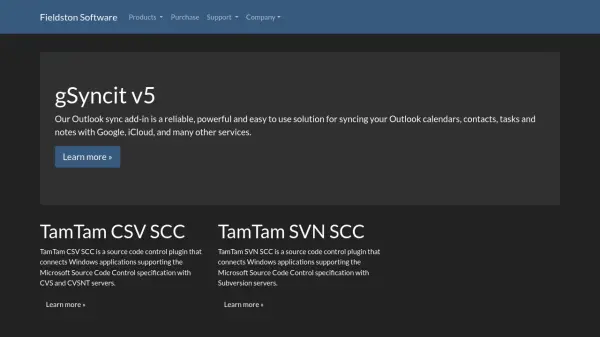
Fieldston Software provides specialized software tools designed to enhance productivity and integration for users. Their flagship product, gSyncit v5, is an Outlook add-in that enables seamless synchronization of calendars, contacts, tasks, and notes with popular services such as Google and iCloud. This solution is known for its reliability and ease of use, making it a valuable asset for managing personal and professional data across platforms.
In addition to gSyncit, Fieldston Software offers TamTam CVS SCC and TamTam SVN SCC plugins. These tools connect Windows applications that support the Microsoft Source Code Control specification with CVS and Subversion servers, facilitating efficient source code management for developers. The software is built to be powerful and user-friendly, catering to the needs of individuals and teams in various technical environments.
Features
- gSyncit v5: Outlook add-in for syncing calendars, contacts, tasks, and notes with Google, iCloud, and other services
- TamTam CVS SCC: Source code control plugin for connecting Windows applications to CVS and CVSNT servers
- TamTam SVN SCC: Source code control plugin for connecting Windows applications to Subversion servers
Use Cases
- Syncing Outlook data with cloud services for better accessibility
- Managing source code in Windows applications using CVS servers
- Integrating Windows applications with Subversion for version control