
What is Faviconify?
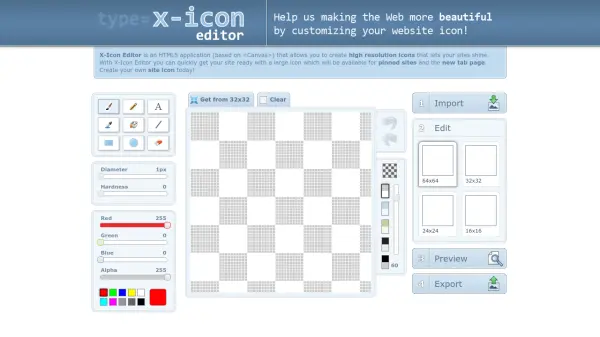
Faviconify is a free online tool designed to generate favicons and app icons for websites and mobile applications. It allows users to upload any image and create icons in various sizes and formats suitable for web, Android, Microsoft, and iOS platforms. The tool emphasizes simplicity, speed, and privacy, ensuring that icon generation is efficient without storing user data.
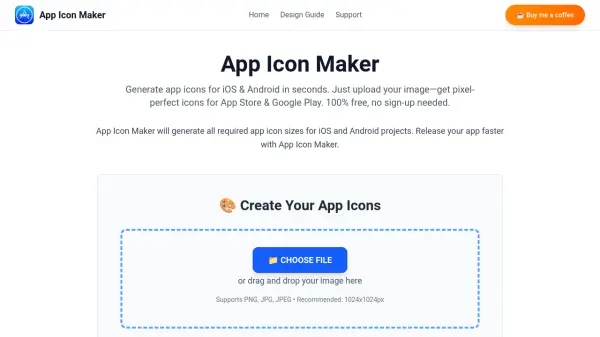
Users can drag and drop an image or browse to select one, then choose from options such as generating icons for multiple platforms or creating specific favicon sizes. The process is streamlined to deliver downloadable icons in a ZIP file along with HTML code for easy integration. Faviconify focuses on providing a user-friendly experience for developers and designers needing quick icon solutions.
Features
- Icon Generation: Create favicons and app icons from uploaded images for web and mobile platforms
- Multi-Platform Support: Generate icons for Web, Android, Microsoft, and iOS applications
- Customizable Options: Choose to generate specific icon sizes like 16x16, 32x32, and 48x48 or maintain original image dimensions
- Privacy Focused: Ensures quick icon creation without storing user data
- Easy Integration: Provides downloadable icons in ZIP format and HTML code for seamless use
Use Cases
- Creating favicons for websites to enhance branding and user experience
- Generating app icons for Android and iOS mobile applications
- Designing icons for Microsoft applications and platforms
- Quickly producing multiple icon sizes from a single image for development projects
- Simplifying the icon creation process for developers and designers without graphic design tools
FAQs
-
What platforms does Faviconify support for icon generation?
Faviconify supports generating icons for Web, Android, Microsoft, and iOS applications. -
Is Faviconify free to use?
Yes, Faviconify is a completely free tool for creating favicons and app icons. -
Does Faviconify store user data?
No, Faviconify prioritizes privacy and does not store any user data during the icon generation process. -
What file formats are available for download?
Icons are provided in a downloadable ZIP file, typically including formats like .ico for favicons and standard image formats for app icons. -
Can I customize the size of the generated icons?
Yes, users can select options such as generating specific favicon sizes (e.g., 16x16, 32x32, 48x48) or maintaining the original image dimensions.