
What is Faceplay?
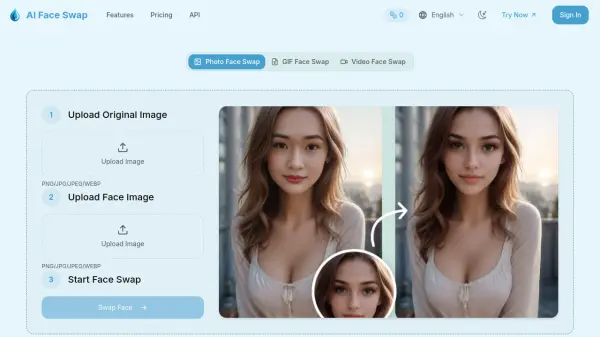
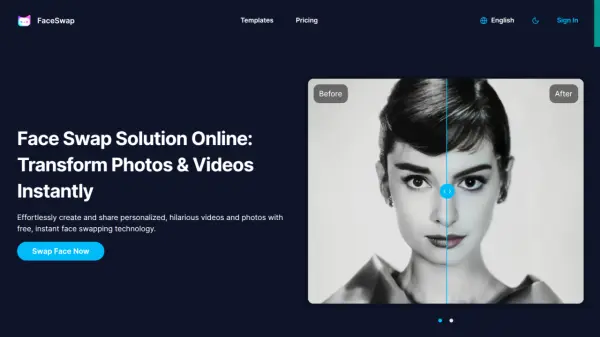
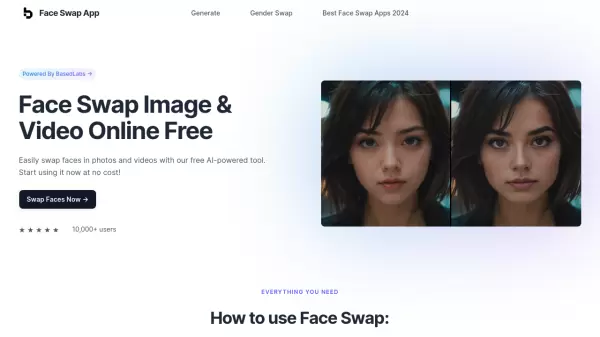
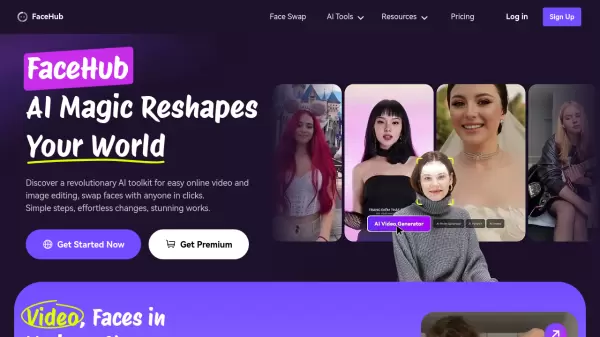
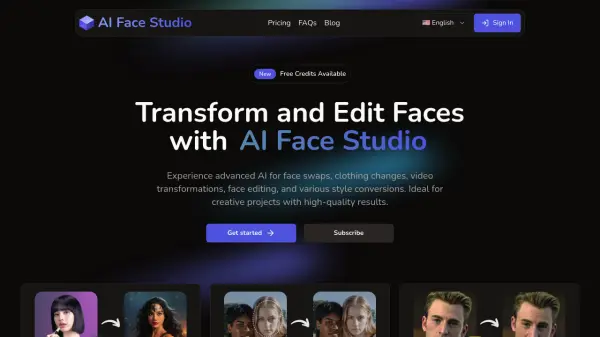
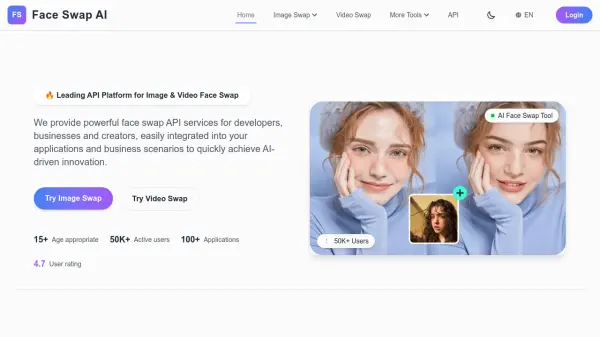
Faceplay is a mobile application that utilizes artificial intelligence to enable users to create engaging face swap videos and generate unique AI art. With just a single tap, users can easily swap their faces onto a vast library of video templates, including various styles like traditional costumes, exotic outfits, and scenic backgrounds. The platform simplifies the creation of popular special effects short videos, with thousands of templates updated daily to provide fresh inspiration.
Beyond video face swapping, Faceplay incorporates AI painting features, allowing users to input text prompts (keywords) and generate anime-style pictures or other artistic images within seconds. It also offers AI Photo generation for creating specific styles like ID photos or artistic interpretations such as clay figures. The core functionality relies on AI-driven face fusion technology to blend user faces seamlessly into selected video or photo templates.
Features
- AI Face Swapping: Seamlessly swap faces onto a wide variety of video templates.
- AI Art Generator: Create anime pictures and other art styles from text keywords.
- AI Photo Generation: Generate AI photos in specific styles (e.g., ID photos, artistic figures).
- Extensive Template Library: Access thousands of video and photo templates updated daily.
- Variety of Styles: Explore templates featuring different costumes, themes, and scenes.
- One-Tap Creation: Simple interface for easy video and photo generation.
Use Cases
- Creating fun, personalized short videos for social media.
- Generating unique AI-generated avatars or profile pictures.
- Experimenting with different looks and costumes virtually.
- Creating humorous content by swapping faces with friends.
- Visualizing characters or scenes described by text prompts.
- Making artistic digital images using AI.
FAQs
-
How does the face swapping work?
Faceplay uses AI face fusion technology to analyze your facial features and blend them onto characters in video or photo templates. -
Can I create AI art from my own ideas?
Yes, the AI Painting feature allows you to input keywords or text prompts to generate unique images like anime pictures. -
Are new video templates added regularly?
Yes, the app features thousands of templates, and new ones are added daily. -
Is Faceplay free to use?
Faceplay offers some features likely for free, but full access to all templates and features typically requires a subscription (weekly or yearly plans available). -
What kind of templates are available?
Templates cover various themes, including different cultural costumes (like Chinese traditional wear, cheongsam), exotic clothing, fantasy styles (flower spirits), scenic backgrounds, and popular trends.