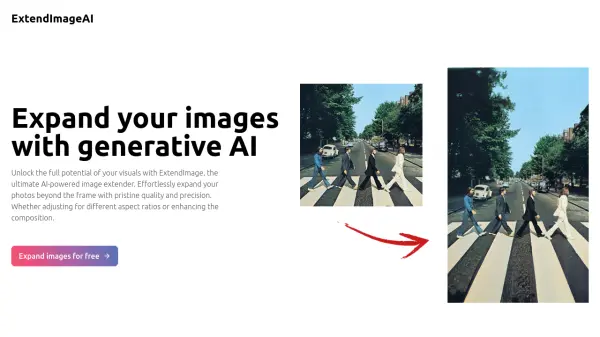
What is ExtendImageAI?
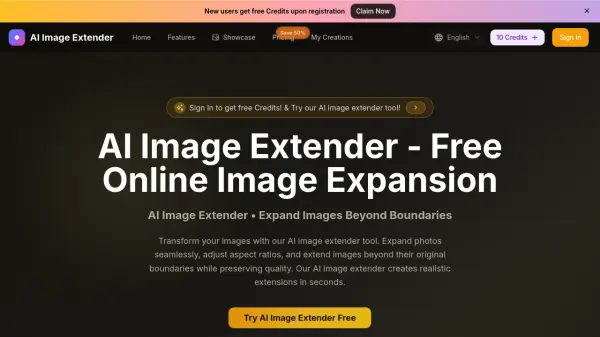
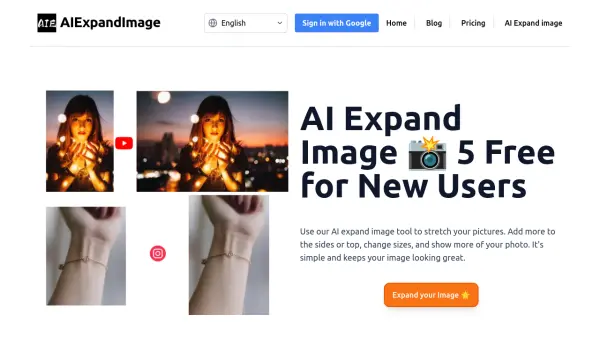
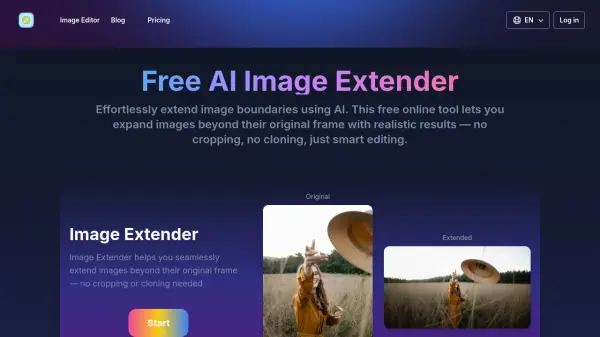
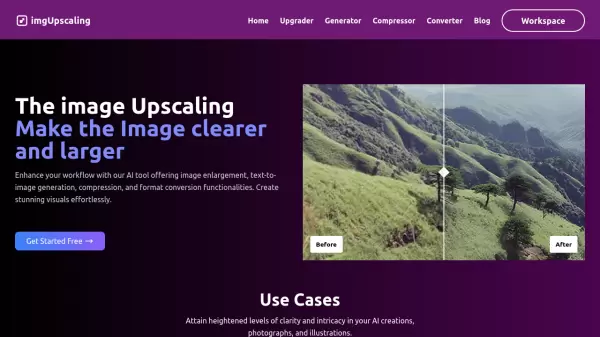
ExtendImageAI is an AI-powered tool designed to expand images beyond their original boundaries. This tool utilizes generative AI to seamlessly enlarge images, allowing users to adjust aspect ratios, enhance compositions, and correct framing issues. The process ensures a smooth integration of new elements, accurately matching the original image's color and style.
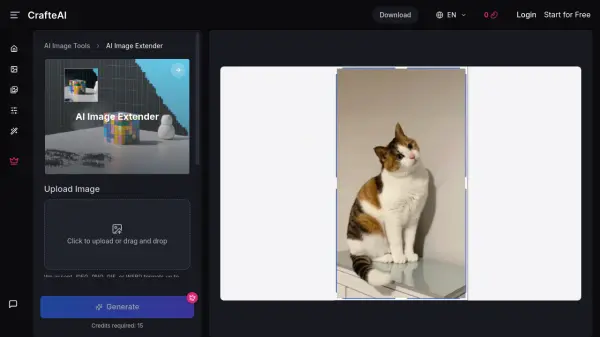
ExtendImageAI offers a user-friendly interface where users can select their desired size or aspect ratio for expansion. It supports both automatic expansion and freeform selection for targeted enhancements. The tool is designed to produce high-quality, adaptable visuals suitable for various creative purposes.
Features
- Magic Expand: Correct awkward framing, salvage zoomed-in pictures, or transform a vertical photo into a landscape format.
- Freeform Selection: Use a freeform selection for targeted expansion.
- Precise Detail Matching: Accurately matches the original image's color and style, ensuring a smooth integration of elements.
- Multiple Image Options: Generates several image options to find one that aligns with your design vision.
Use Cases
- Creating social media content
- Developing marketing materials
- Enhancing posters and infographics
- Adjusting images for Instagram carousels
- Correcting image framing
- Creating advertisements