ExpertPage favicon

ExpertPage
Create a Professional Landing Page for Freelancers & Consultants

What is ExpertPage?

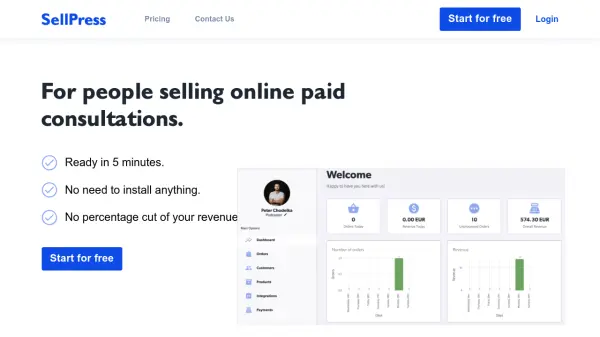
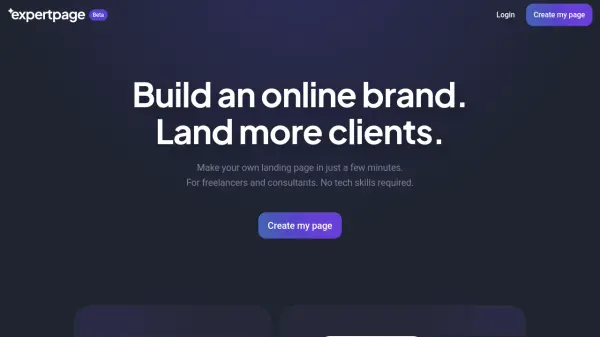
ExpertPage is designed to help freelancers and consultants quickly establish a credible online presence. Users can effortlessly create a professional landing page, share their portfolio, embed their calendar for direct bookings, and highlight client testimonials—all within minutes and without technical expertise.

The platform further allows users to customize their page with themes, link to products and services, and even connect their own domain. With features for showcasing blog posts and integrating booking tools, ExpertPage streamlines client acquisition and personal branding for independent professionals.

Features

  • No Coding Required: Easily create landing pages without technical knowledge.
  • Customizable Themes: Choose styles that match business and personality.
  • Own Domain Integration: Connect a personal domain for brand consistency.
  • Calendar Integration: Sync with Cal.com for direct client bookings.
  • Showcase Testimonials: Display endorsements from previous clients.
  • Blog Post Highlighting: Feature and link to best writing pieces.
  • Product & Service Links: Guide leads directly to conversion opportunities.

Use Cases

  • Establish an online brand for freelance services
  • Create a personal landing page to attract more consulting clients
  • Showcase client testimonials to build credibility
  • Schedule appointments directly through embedded calendars
  • Highlight blog posts to demonstrate expertise
  • Promote and sell consulting products and services

Related Tools:

Blogs:

  • Top 6 AI note-taking tools for 2026: in-person, online, and hybrid use cases

    Top 6 AI note-taking tools for 2026: in-person, online, and hybrid use cases

    Most AI note-taking lists are really lists of meeting bots, which join your video call and transcribe it. That's useful, but it's half the picture. Decisions happen in hallway conversations, client dinners, on-site visits, and hybrid rooms where nobody is on a video link. This guide covers different parts of the note-taking workflow: hardware capture for in-person settings, platform-native tools for online calls, and AI layers for organizing and synthesizing what you've captured. It compares six tools by capture context, workflow fit, pricing, and limitations.

  • AI thumbnail maker tools

    AI thumbnail maker tools

    Automatically generate visually appealing and optimized thumbnails for various digital content, streamlining the design process and enhancing visual engagement

  • Boost Engagement in Ads with AI

    Boost Engagement in Ads with AI

    Discover how AI music and AI SDR agents are reshaping modern advertising. Learn how emotional resonance through AI-generated soundtracks combined with smart, automated sales outreach can turn viewers into loyal customers faster, cheaper, and more personally than ever before.

  • Best AI tools for recruiters

    Best AI tools for recruiters

    These tools use advanced algorithms and machine learning to automate tasks such as resume screening, candidate matching, and predictive analytics. By analyzing vast amounts of data quickly and efficiently, AI tools help recruiters make data-driven decisions, save time, and identify the best candidates for open positions.

Didn't find tool you were looking for?

Be as detailed as possible for better results