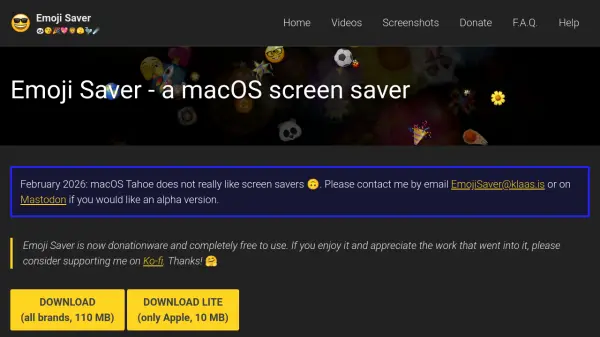
What is Emoji Saver?
Emoji Saver is a macOS screen saver application that transforms your display into an animated emoji showcase. It supports Unicode 15.0 and 14.0 emojis, including the latest additions, and offers multiple emoji brands such as Apple, JoyPixels, Noto Emoji, OpenMoji, and Twemoji. Users can choose from 15 animation effects, including All-Emojis-Parade, Flying Cubes, Drops, Rollingmojis, Starfield, Zoomer, Sinus, Bucket Party, Drama Presentation, Patterns in the Rain, Speckle, Slow Flip, Words, and Unicode Categories.
The tool is designed to be resource-friendly, with options to render only one frame per second and utilizes Apple Metal for performance. It works on both single and multiple display configurations and is properly sandboxed and notarized by Apple for security. Emoji Saver is available as donationware, with free downloads for standard and lite editions, requiring macOS Ventura, Monterey, or Big Sur.
Features
- Unicode Support: Includes Unicode 15.0 and 14.0 emojis with latest additions
- Multiple Brands: Supports Apple, JoyPixels, Noto Emoji, OpenMoji, and Twemoji emoji graphics
- Animation Effects: Offers 15 visual effects like All-Emojis-Parade, Flying Cubes, and Starfield
- Display Compatibility: Works on single and multiple display configurations
- Resource Efficiency: Configurable to render one frame per second and uses Apple Metal
Use Cases
- Personalizing macOS desktop with animated emojis
- Creating visually engaging screen savers for entertainment
- Displaying emojis in educational or creative presentations
- Enhancing workspace aesthetics with dynamic visuals