What is Easy Video Generator?
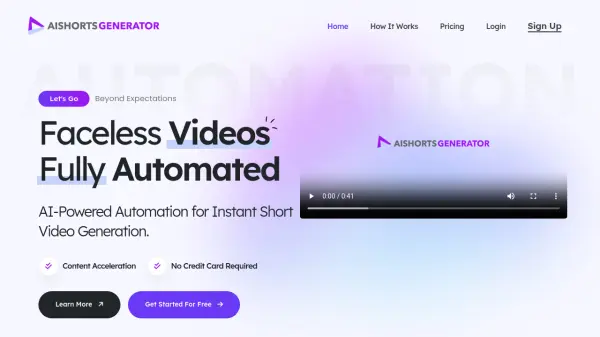
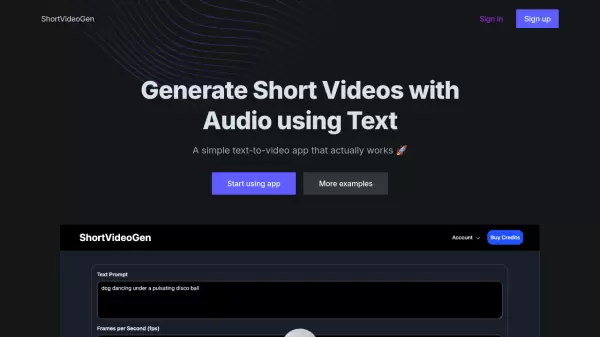
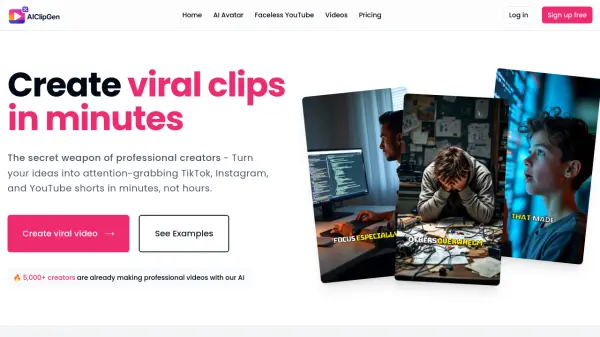
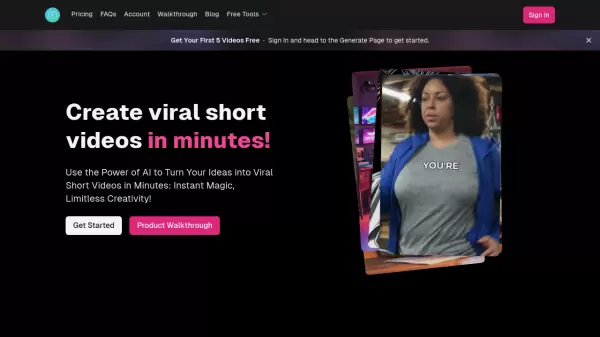
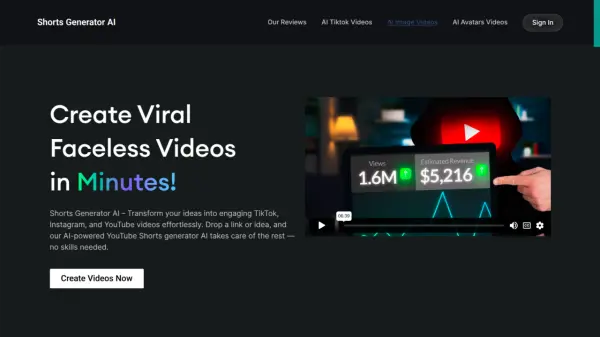
Easy Video Generator is an AI-powered platform designed to create realistic shorts and presentation videos effortlessly. Users can generate videos by simply entering their desired content and selecting a video type, such as advertisements or presentations. The tool utilizes AI to handle the entire video creation process, including generating text, voiceovers, and incorporating royalty-free clips and images.
The platform offers various customization options, allowing users to edit and regenerate videos to achieve their preferred results. It provides a user-friendly interface with features like saving drafts, adding personal images, and accessing a library of free clips. Easy Video Generator is optimized for quick video production, making it suitable for creating engaging content without requiring advanced editing skills.
Features
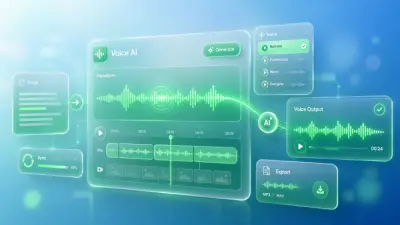
- AI Text/Voiceover Generation: Generate text and voiceovers using prompts for video content
- Royalty-Free Clips: Access a library of free clips to enhance videos
- Customizable Styles: Customize videos with various options and regenerate for desired results
- Image Integration: Add personal images to videos for personalization
- Draft Saving: Save and edit video drafts for future modifications
Use Cases
- Creating advertisement videos for marketing campaigns
- Generating presentation videos for business or educational purposes
- Producing short videos for social media content
- Developing promotional clips for product launches
- Making educational or tutorial videos with voiceovers
FAQs
-
What types of videos can I generate with Easy Video Generator?
You can generate shorts and presentation videos, including advertisements and other types, using AI, royalty-free clips, voiceovers, and images. -
Is there a cost to use Easy Video Generator?
Easy Video Generator offers free video generation with access to many free clips and features. -
Can I edit my videos after generating them?
Yes, you can edit and regenerate your videos to customize them and achieve the desired results. -
Does Easy Video Generator support adding personal images to videos?
Yes, you can add your own images to the videos for personalization.