What is DropSync 3?
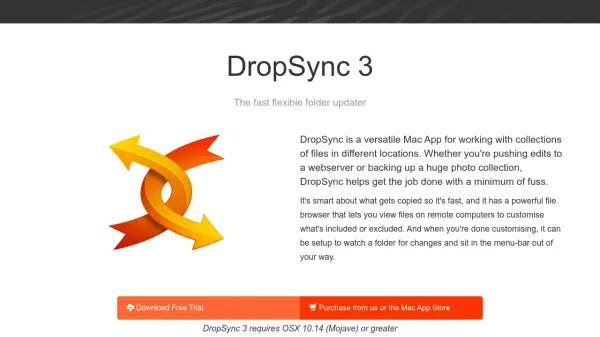
DropSync 3 is a Mac application designed for synchronizing collections of files across various locations, such as pushing edits to a webserver or backing up large photo collections. It utilizes rsync technology to transfer only changed portions of files, ensuring fast updates, especially over networks. The app features a powerful file browser that allows users to compare folders side by side, include or exclude subfolders with a single click, and view files on remote computers via SFTP.
Users can configure DropSync to watch folders for changes and run updates in the background, with a menu-bar-only mode that keeps it unobtrusive. It offers extensive customization options, including filters for file types, backup folder setup, and technical details like symbolic links and permissions. The app provides detailed previews for each sync, enabling full control over file operations.
Features
- Power Browser: Compare folders side by side and include/exclude subfolders with a single click for local or remote files via SFTP
- Less copying more speed: Uses rsync to transfer only changed parts of files, optimizing speed for network and local transfers
- Watch a folder: Automatically updates in the background when changes are detected in a monitored folder
- Stays out of your way: Menu-bar only mode allows configuration and monitoring without dock space
- Options Galore: Configure custom filters, backup folders, and technical details like symbolic links and permissions
- Detailed Previews: View full details of what will happen to each file during sync with searchable large previews
- Bidirectional Syncing: Ensures the most recently edited version of each file exists on both sides of the transfer
Use Cases
- Pushing website edits to a remote webserver
- Backing up large photo collections or other files
- Synchronizing files between local and remote computers
- Automating file updates in the background for productivity
- Managing file transfers with custom filters and exclusions