What is DrawingPics?
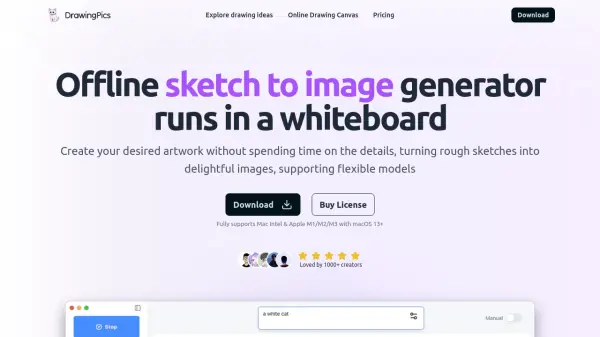
DrawingPics offers a powerful offline sketch-to-image generation solution that operates directly on your computer. Running on macOS platforms, it transforms basic sketches into detailed artworks through advanced AI technology, featuring an infinite canvas and precision drawing controls.
The application stands out with its flexible architecture, supporting various Stable Diffusion 1.5 models and LoRA integrations, allowing users to customize their creative workflow. With features like precision mode for superior line control and adjustable model parameters, it provides professional-grade tools for digital artists and creators.
Features
- Offline Processing: Completely offline operation with unlimited image generation
- Custom Model Support: Compatible with Stable Diffusion 1.5 models and LoRA integration
- Precision Mode: Enhanced line control for accurate drawing
- Infinite Canvas: Unrestricted drawing space
- Parameter Control: Adjustable model parameters and prompt strength
- Download Manager: Built-in model downloader with retry support
- Metal GPU Acceleration: Fast image generation with LCM support
Use Cases
- Digital art creation
- Concept art development
- Sketch refinement
- Artistic ideation
- Character design
- Illustration work
- Visual prototyping
FAQs
-
Which platforms does the offline app support?
The offline app supports macOS ARM chip and Intel chip. The old Intel GPU's performance may not be as good as M series Mac. There are no near-future plans to add Windows support. -
How long does it take to generate 1 image?
On 16GB M1 Macbook Air, it takes 6 seconds to generate a 512x512 image, supported by LCM & Metal GPU acceleration. -
Can I use other models?
Yes, you can download any Stable Diffusion 1.5 model or Lora from the community, such as civitai.com, liblib.art -
Can I use the image I generated for commercial use?
It depends on the model you use. You should follow the model's license when you download it from the authors. However, many models are under the CreativeML Open RAIL-M license, which allows for commercial use.