What is DOSBox Launcher?
DOSBox Launcher is a user-friendly, multiplatform graphical interface designed to configure and start DOS applications, such as classic games, by leveraging the DOSBox emulator installed on your computer. It provides a streamlined approach with both simple and expert configuration modes, allowing users to quickly set up essential options or gain full control over DOSBox settings through direct file editing.
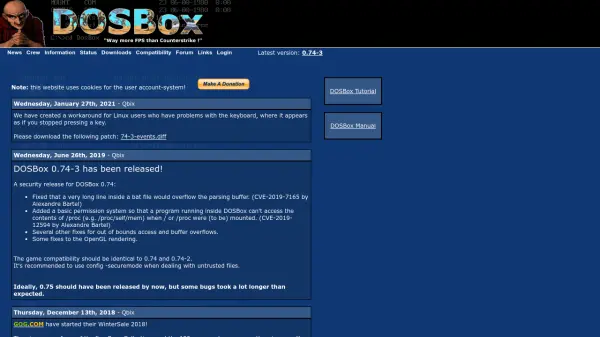
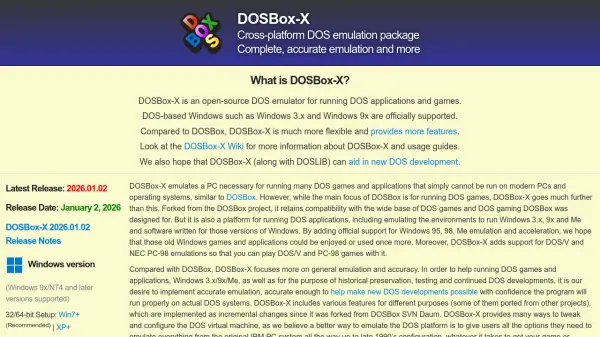
The tool supports English and German languages and runs on macOS, Windows, and Linux operating systems. It focuses on simplicity with minimal parameters, making it ideal for casual users rather than managing complex collections. DOSBox itself must be installed separately, as it is not included in the launcher.
Features
- Simple Mode: Quick configuration of essential DOSBox options through an intuitive dialog
- Expert Mode: Direct editing of DOSBox configuration files for full control over all options
- Multiplatform Support: Runs on macOS, Windows, and Linux operating systems
- Language Support: Interface available in English and German
- Free License: Published under MIT License for free use
Use Cases
- Launching classic DOS games on modern operating systems
- Configuring DOS applications for educational or retro computing purposes
- Simplifying DOSBox setup for users unfamiliar with command-line interfaces
FAQs
-
What is DOSBox Launcher used for?
DOSBox Launcher is used to configure and launch DOS applications, such as games, by providing a graphical interface for the DOSBox emulator. -
Which operating systems does DOSBox Launcher support?
DOSBox Launcher supports macOS, Windows, and Linux operating systems. -
Do I need to install DOSBox separately to use DOSBox Launcher?
Yes, DOSBox must be installed separately from its official website, as it is not included in the DOSBox Launcher app. -
What languages are supported in the DOSBox Launcher interface?
The interface supports English and German languages. -
Is DOSBox Launcher free to use?
Yes, DOSBox Launcher is published under the MIT License and can be used free of charge.