DisposableMail favicon

DisposableMail
The Temp Mail Address To Protect Your Primary Email!

What is DisposableMail?

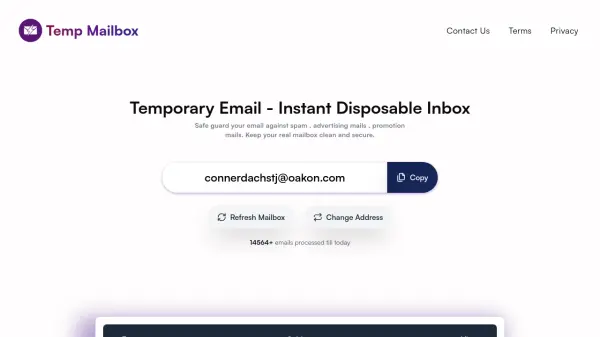
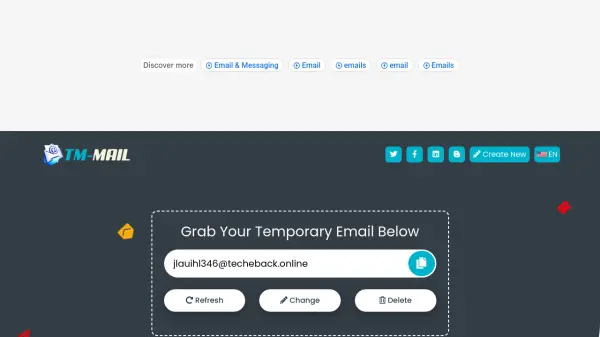
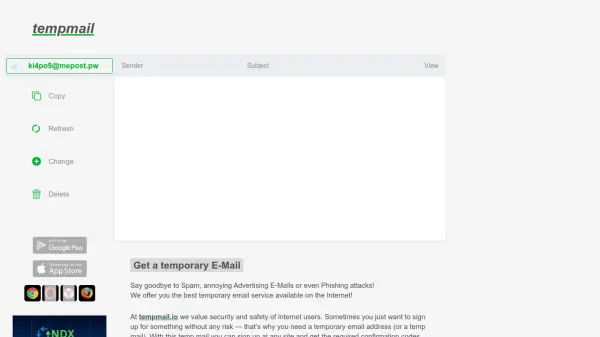
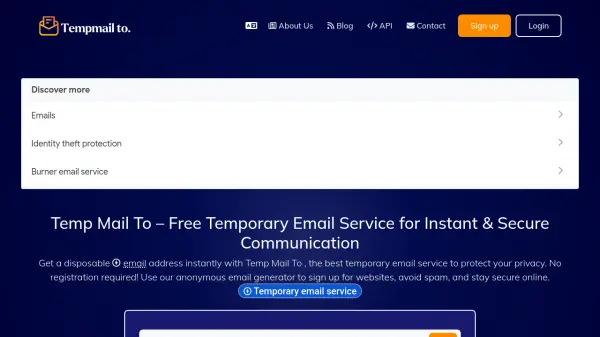
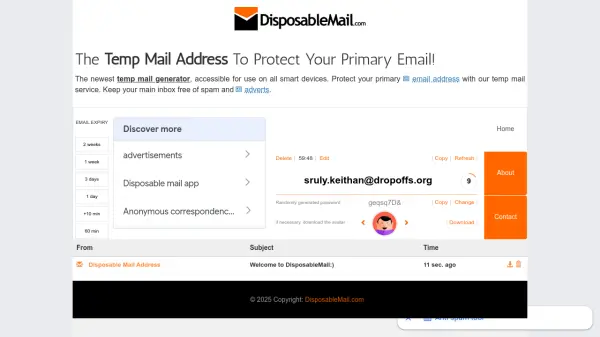
DisposableMail is the latest and most advanced anonymous email generating application available on all smart devices. It allows users to create temporary email addresses that keep their primary inbox free from spam, advertisements, harmful viruses, and unwanted correspondence. Users can generate up to three different inboxes, each with a randomly generated password and an optional avatar. The service offers flexible expiration settings, allowing emails to last from 10 minutes up to 14 days. Once expired, the inbox is no longer accessible, ensuring privacy and security.

Features

  • Custom expiration: Choose from 10 minutes up to 14 days for each temporary email.
  • Multiple inboxes: Up to three different anonymous inboxes per account.
  • Randomly generated password: Each inbox gets a secure, random password that can be changed.
  • Avatar download: Option to download an avatar for the email address.

Use Cases

  • Sign up for web services without exposing your primary email.
  • Collect spam and advertisements in a separate inbox.
  • Temporary email verification for accounts and forums.
  • Protect anonymity when registering on gaming platforms or social media.

Related Tools:

Blogs:

  • Chat with PDF AI Tools

    Chat with PDF AI Tools

    Easily interact with your PDF documents using our advanced AI-powered tool. Whether you're reading lengthy reports, research papers, contracts, or eBooks, our platform lets you chat directly with your PDF files, ask questions, extract insights, and get summaries in real-time.

  • Top 6 AI note-taking tools for 2026: in-person, online, and hybrid use cases

    Top 6 AI note-taking tools for 2026: in-person, online, and hybrid use cases

    Most AI note-taking lists are really lists of meeting bots, which join your video call and transcribe it. That's useful, but it's half the picture. Decisions happen in hallway conversations, client dinners, on-site visits, and hybrid rooms where nobody is on a video link. This guide covers different parts of the note-taking workflow: hardware capture for in-person settings, platform-native tools for online calls, and AI layers for organizing and synthesizing what you've captured. It compares six tools by capture context, workflow fit, pricing, and limitations.

Didn't find tool you were looking for?

Be as detailed as possible for better results