What is DigestDiff?
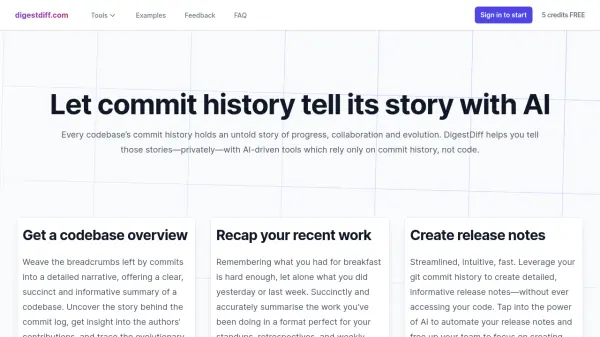
DigestDiff transforms Git commit history into meaningful narratives through AI-driven analysis. The platform offers three primary functionalities: comprehensive codebase overviews, recent work recaps, and automated release notes generation. All operations are performed exclusively using commit history, ensuring complete code privacy.
Built with a privacy-first approach, DigestDiff operates with read-only access to GitHub repositories and never stores generated content on its servers. The tool supports both public and private GitHub repositories, offering manual commit history input as an alternative to direct GitHub integration.
Features
- Codebase Overview: AI-driven analysis of commit history for detailed project insights
- Work Recap Generator: Automated summaries of recent development activities for standups
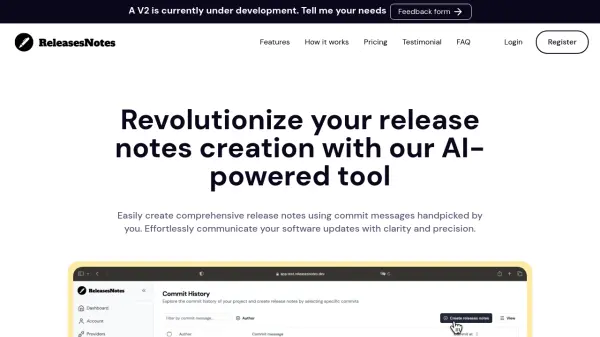
- Release Notes Creation: Customizable, AI-generated release notes from commit history
- Privacy Protection: Read-only repository access with no code storage
- Markdown Export: Easy sharing of generated content in markdown format
- Manual Input Option: Support for pasted git logs without GitHub integration
Use Cases
- Developer onboarding acceleration
- Daily standup meeting preparation
- Release notes automation
- Project progress tracking
- Team collaboration documentation
- Codebase evolution analysis
FAQs
-
How does DigestDiff ensure code privacy?
DigestDiff only requests read-only access to GitHub repositories and exclusively uses commit history without accessing any code. No generated content is stored on their servers.