
What is Collate?
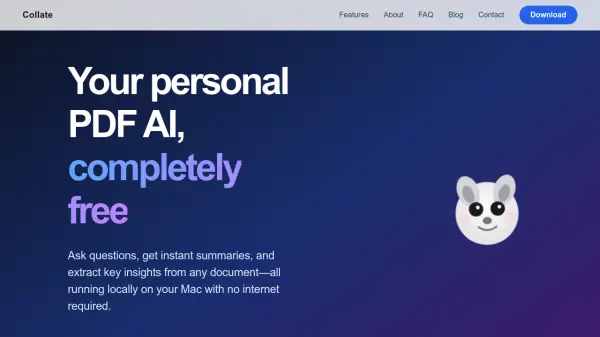
Collate is an AI-powered desktop application designed specifically for Mac users to interact with PDF documents in a secure and efficient manner. The tool operates entirely on the user's device, ensuring that all document processing, including question answering, summarization, and insight extraction, happens locally without any data being uploaded to the cloud. This approach guarantees complete privacy and data ownership for users who handle sensitive or confidential documents.
Users can simply add their PDF files by dropping them into the application or importing entire folders. Once documents are loaded, they can engage in conversational interactions by asking questions about the content and receive instant, accurate answers. Additionally, Collate can transform lengthy documents of hundreds of pages into clear, actionable summaries within seconds, helping users quickly grasp key information. The extracted insights and summaries can be saved to personal notes and exported for further use, making it a versatile tool for document analysis and management.
Features
- Local Processing: All AI operations run on the user's Mac with no internet required, ensuring complete privacy
- Document Interaction: Users can ask questions about PDF content and get instant, accurate answers through chat functionality
- Instant Summarization: Quickly turns hundreds of pages into clear, actionable insights in seconds
- Data Privacy: No cloud uploads or external data transfers, keeping all information secure on the device
- Export Capabilities: Save answers and summaries to notes and export them anytime for further use
Use Cases
- Research document analysis for academic or professional purposes
- Quickly understanding lengthy reports or legal documents
- Extracting key information from technical manuals or specifications
- Studying educational materials by asking questions about content
- Reviewing business documents to identify important insights and trends
FAQs
-
Is Collate available for Windows?
Collate is currently only available for Mac, but there is a Windows waitlist where users can sign up to be notified when a Windows version becomes available. -
Does Collate require an internet connection to work?
No, Collate runs completely locally on your Mac with no internet required, ensuring all document processing happens on-device. -
What types of documents can Collate process?
Collate specifically processes PDF documents, allowing users to add files by dropping them into the application or importing folders. -
How does Collate ensure data privacy?
Collate keeps all data private on-device with no cloud uploads, meaning your documents never leave your Mac during processing.