What is Code_Aster for Windows?
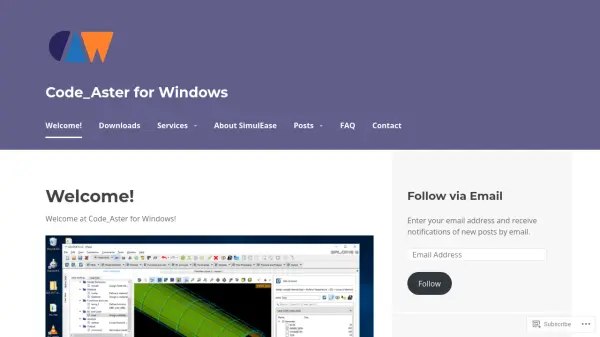
Code_Aster for Windows delivers native Windows 64-bit binaries of the renowned open-source Code_Aster software, originally developed for Linux environments by EDF's research and development department. This platform makes advanced structural mechanics simulation accessible to Windows users through free downloads, supporting both graphical interfaces via Salome-Meca with AsterStudy and standalone command-line operation.
The software functions as a comprehensive solver based on continuum mechanics theory, utilizing finite element methods to address diverse engineering challenges including mechanical, thermal, acoustic, and seismic analyses. It offers extensive capabilities with numerous behavior laws, finite element types, and loading conditions, positioning it as an industrial-grade tool comparable to leading commercial simulation software in production environments.
Features
- Windows Compatibility: Native 64-bit binaries for Windows operating systems
- Open Source Software: Free access to structural mechanics simulation tools
- Graphical Interface: Integration with Salome-Meca and AsterStudy for visual operation
- Finite Element Analysis: Solver based on continuum mechanics theory for various problem types
- Industrial Application: Production-ready tool with extensive behavior laws and element types
Use Cases
- Structural analysis of mechanical components
- Thermal simulation of engineering systems
- Acoustic modeling for noise reduction studies
- Seismic analysis for earthquake-resistant design
- Finite element method calculations for research projects