What is Clipsey?
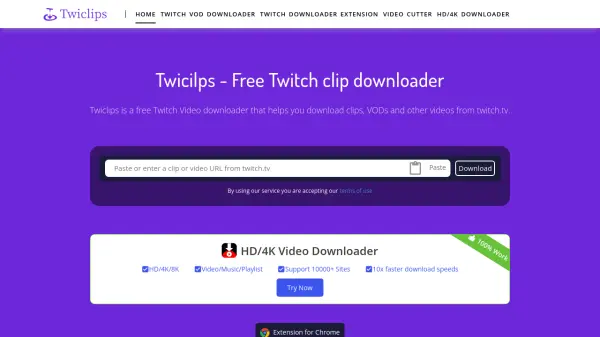
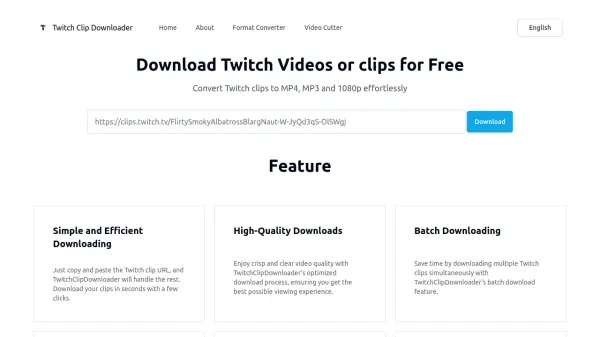
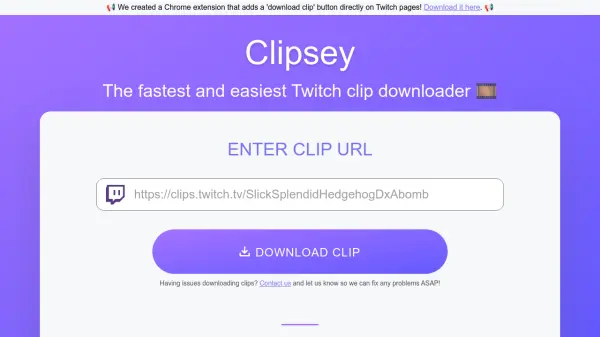
Clipsey is a web-based tool designed specifically for downloading Twitch clips. Users can copy and paste a Twitch clip URL into the provided text box, and Clipsey retrieves the video file, making it available for download in various resolutions including 1080p, 720p, 480p, and 360p. The tool supports two types of Twitch URLs: those from the clip tab of a streamer's page and those from the clips.twitch.tv subdomain.
In addition to the website, Clipsey offers a Chrome extension that adds a 'download clip' button directly on Twitch pages, streamlining the process by eliminating the need to copy and paste URLs. The tool is completely free to use, with plans to introduce non-intrusive ads to support maintenance costs. Clipsey handles the technical aspects of communicating with the Twitch API to fetch download links, ensuring a user-friendly experience without requiring advanced technical knowledge.
Features
- Twitch Clip Downloading: Download Twitch clips as MP4 files by pasting the URL
- Multiple Resolutions: Choose from 1080p, 720p, 480p, or 360p download options
- Chrome Extension: Direct download button on Twitch pages for easier access
- Free Service: No cost to use with plans for non-intrusive ads in the future
- Error Handling: Provides specific error messages for invalid URLs or connection issues
Use Cases
- Downloading Twitch clips for offline viewing
- Creating compilation videos for YouTube
- Backing up clips before they are removed by streamers or Twitch
- Editing clips for personal or creative projects
- Saving favorite moments from streams without internet access
FAQs
-
What types of Twitch URLs does Clipsey support?
Clipsey supports two types of Twitch URLs: clip URLs from the clip tab of a streamer's page (e.g., https://www.twitch.tv/username/clip/clipname) and clip URLs from the clips.twitch.tv subdomain (e.g., https://clips.twitch.tv/clipname). -
How does the Clipsey Chrome extension work?
The Clipsey Chrome extension adds a 'Download Clip' button on Twitch pages with clips. Clicking it opens the Clipsey site with the clip's download link ready, eliminating the need to copy and paste URLs manually. -
What file format are downloaded clips saved in?
Clips downloaded through Clipsey are saved as MP4 files by default, which is a common video format compatible with most devices and editing software. -
Does Clipsey store personal data?
Clipsey temporarily stores IP addresses to prevent abuse and ensure service functionality, but no other personal information is stored on their servers. -
What should I do if I encounter an error while downloading a clip?
If you get an error, check your internet connection, disable ad blockers or third-party extensions, and verify the URL format. If issues persist, contact Clipsey support as it might be due to server overload or Twitch API updates.