What is CLIP Interrogator?
CLIP Interrogator is an advanced image analysis tool that combines the power of CLIP (Contrastive Language–Image Pre-training) and BLIP (Bootstrapped Language Image Pretraining) models to generate comprehensive text descriptions of images. Developed by pharmapsychotic, this web-based application bridges the gap between visual content and natural language understanding.
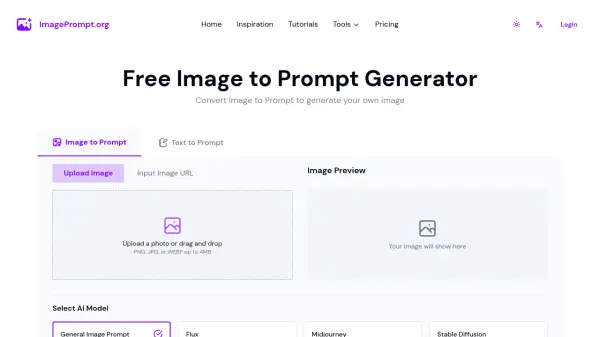
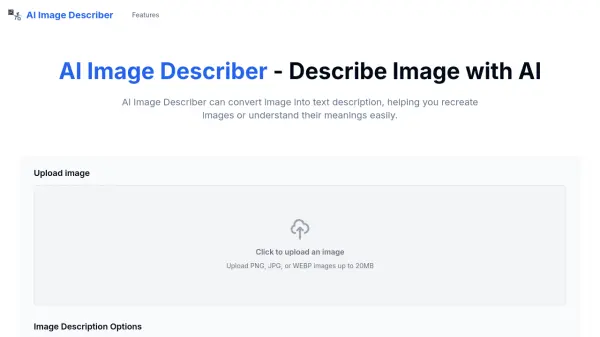
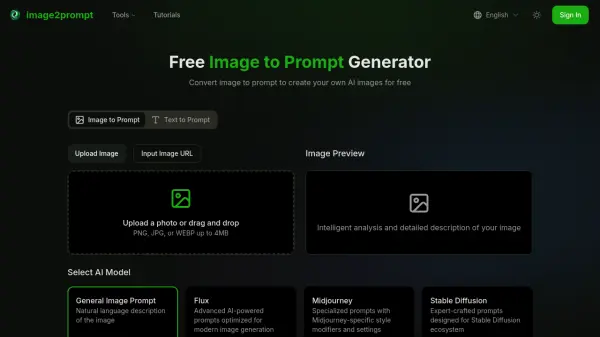
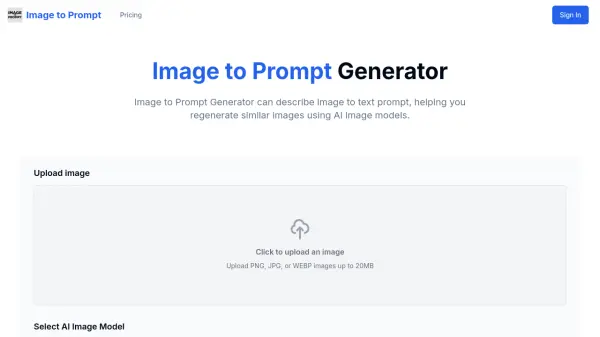
The tool excels at analyzing images and providing detailed descriptions that cover various aspects including style, content, and artistic elements. It's particularly valuable for understanding image compositions and generating prompts for AI image generators like Stable Diffusion and MidJourney.
Features
- Base Caption Generation: Creates initial image descriptions using BLIP model
- Enhanced Description: Adds specific phrases and flavors to enrich the base caption
- CLIP Matching: Matches images with fitting phrases for accurate descriptions
- Multi-Model Integration: Combines BLIP and CLIP models for comprehensive analysis
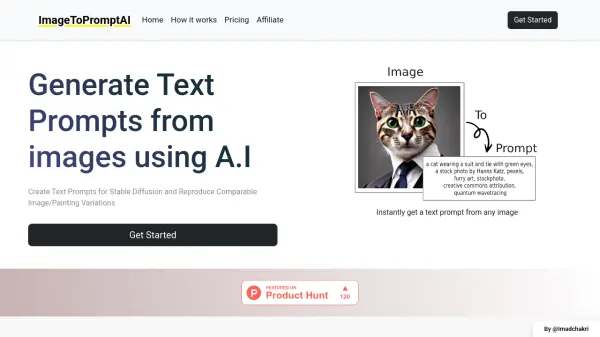
- Prompt Generation: Creates detailed prompts for AI image generators
Use Cases
- Generating prompts for AI image creation
- Analyzing artistic styles and elements
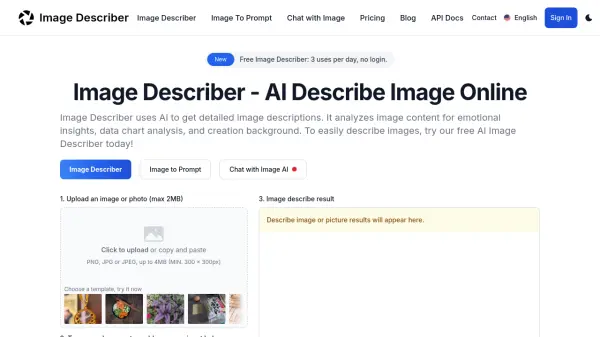
- Creating detailed image descriptions
- Understanding image composition
- Enhancing image classification tasks
- Bridging visual and textual content
FAQs
-
What makes CLIP Interrogator different from other image analysis tools?
CLIP Interrogator uniquely combines BLIP and CLIP models to provide both basic captions and enhanced descriptions, making it particularly effective for generating AI art prompts. -
Can I use CLIP Interrogator for commercial purposes?
Yes, but it's recommended to verify the usage rights and adhere to ethical guidelines when using the tool for commercial projects. -
Does CLIP Interrogator work with all image formats?
The tool works with common image formats, but for best results, use clear, high-quality images in standard formats like JPG or PNG.