Chattr favicon

Chattr
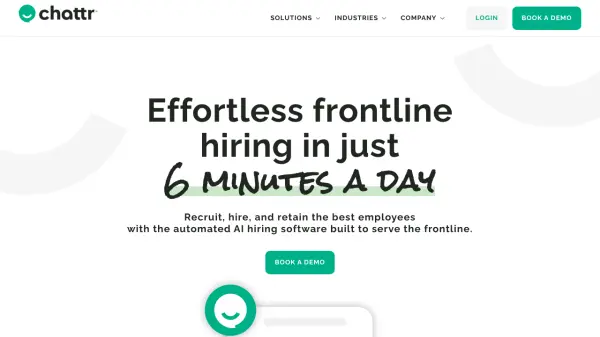
Effortless Frontline Hiring

What is Chattr?

Chattr offers a comprehensive solution for frontline hiring, automating the entire process from sourcing candidates to onboarding new hires. The platform leverages AI to screen applicants, schedule interviews, and manage communication, significantly reducing the administrative burden on hiring managers.

This software integrates with existing systems like job boards and HR platforms, further streamlining workflows. By automating tasks and optimizing sourcing, Chattr improves time-to-hire and reduces costs associated with recruitment and onboarding.

Features

  • Optimized Sourcing: Posts jobs to major job boards and uses an optimized advertising network.
  • AI-powered Recruiting: Screens applicants, schedules interviews, and handles communication.
  • Seamless Mobile Onboarding: Automates paperwork, background checks, and e-Verify.
  • System Sync: Integrates with existing HR systems, calendars, and video platforms.

Use Cases

  • Streamlining the hiring process for restaurants and hospitality businesses.
  • Improving recruitment efficiency for retail companies.
  • Optimizing hiring and onboarding in senior living facilities.
  • Managing workforce acquisition for labor-intensive projects.

Related Tools:

Blogs:

  • Best AI tools for recruiters

    Best AI tools for recruiters

    These tools use advanced algorithms and machine learning to automate tasks such as resume screening, candidate matching, and predictive analytics. By analyzing vast amounts of data quickly and efficiently, AI tools help recruiters make data-driven decisions, save time, and identify the best candidates for open positions.

  • Top 6 AI note-taking tools for 2026: in-person, online, and hybrid use cases

    Top 6 AI note-taking tools for 2026: in-person, online, and hybrid use cases

    Most AI note-taking lists are really lists of meeting bots, which join your video call and transcribe it. That's useful, but it's half the picture. Decisions happen in hallway conversations, client dinners, on-site visits, and hybrid rooms where nobody is on a video link. This guide covers different parts of the note-taking workflow: hardware capture for in-person settings, platform-native tools for online calls, and AI layers for organizing and synthesizing what you've captured. It compares six tools by capture context, workflow fit, pricing, and limitations.

Didn't find tool you were looking for?

Be as detailed as possible for better results