What is Ceacle Tools?
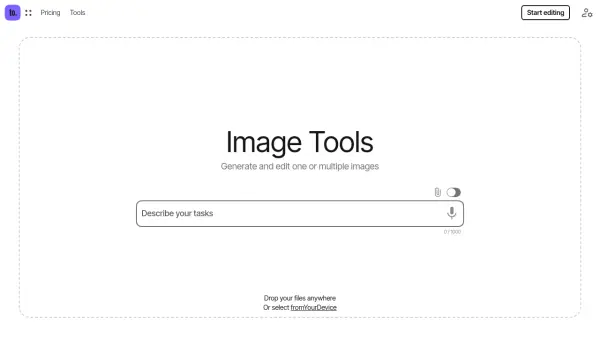
Ceacle Tools provides a suite of over 40 AI-powered tools for image generation and editing. The platform allows users to perform a wide variety of tasks, including image upscaling, background removal, colorization, and format conversion. Users can access various top AI models like Flux, Ideogram, Recraft, and Stability, all within a single interface.
Ceacle Tools streamlines the image editing process with features like sequential and batch editing. Users can build automated workflows, applying multiple actions across multiple files simultaneously. This eliminates repetitive tasks and significantly enhances productivity.
Features
- Generate: Generate images from text with AI.
- Variation / Restyle: Generate variations of images.
- Reimagine: Recreate images while maintaining structure.
- Outpainting: Expand images by adding content seamlessly.
- Recolor anything: Change the color of elements in an image.
- Erase anything: Erase unwanted objects or areas from images.
- Inpainting: Fill in missing or masked parts of an image.
- Replace anything: Replace elements in an image with a prompt.
- Remove background: Remove background from your images.
- Sketch to image: Generate images from sketches.
- Style to image: Create images based on the style of an input image.
- Convert to vector: Convert your images to vector (SVG).
- Batch Editing: Edit multiple images simultaneously.
- Sequential Editing: Apply multiple edits in one smooth workflow.
- Chain Tools: Create automated workflows.
Use Cases
- Generating marketing visuals from text descriptions.
- Creating variations of existing product images.
- Removing backgrounds from photos for e-commerce.
- Upscaling low-resolution images for printing.
- Colorizing black and white photos.
- Converting images to different formats for various platforms.
- Automating image editing tasks for large datasets.