
What is CatchMailNot?
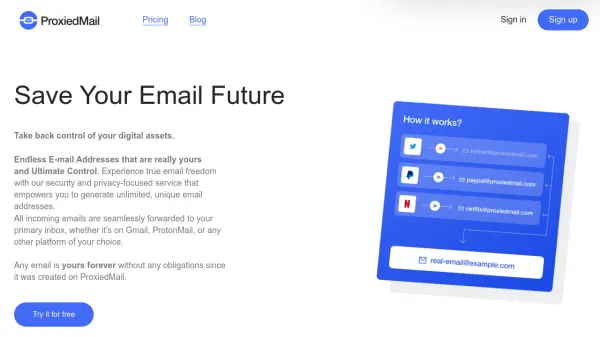
CatchMailNot operates as a privacy-oriented service that sits between users and their email providers, offering permanent email and phone forwarding capabilities. The platform allows individuals to create throwaway email addresses that can be kept indefinitely while maintaining anonymity in both receiving and replying to emails.
Users can choose from multiple domain options, bring their own domains, or utilize the service's free email domains to establish forwarding addresses. The system automatically creates aliases when they receive their first email, providing an infinite number of alias possibilities without requiring pre-configuration.
Features
- Two-way Anonymous Email: Hide your email when you receive and reply to messages
- Infinite Aliases: Create unlimited email aliases automatically when they receive first email
- Rules and Filters: Create forwarding rules with wildcards and exclusion operators
- Bring your own Domain: Handle email forwarding for your personal or business domains
- Security Reviews: Get notified when aliases or email addresses appear in data breaches
- Private Statistics: View comprehensive statistics about alias distribution and spam sources
- Webhooks: Forward incoming emails to webhooks on a per-rule basis
- SMS and Voicemail BETA: Receive SMS and voicemails to email through CatchMailNot phone numbers
Use Cases
- Protecting personal email addresses when signing up for online services
- Managing multiple email aliases for different purposes without creating separate accounts
- Monitoring which companies sell or share email addresses through data breach notifications
- Creating temporary contact information for limited-time interactions
- Forwarding business communications while maintaining privacy of primary email addresses
- Receiving SMS and voicemail messages directly to email inbox
FAQs
-
How does CatchMailNot protect my email privacy?
CatchMailNot sits between you and your email provider, hiding your real email address when you receive or reply to emails through the service. -
Can I use my own domain with CatchMailNot?
Yes, CatchMailNot supports Bring Your Own Domain (BYOD) functionality, allowing you to use your personal or business domains for email forwarding. -
What happens when I create a new alias?
Aliases are automatically created when they receive their first email - you don't need to pre-configure them, and there are no limits on how many you can create. -
How does the security review feature work?
CatchMailNot monitors data breaches and notifies you if any of your aliases or private email addresses appear in leaked databases. -
Can I forward SMS and voicemail to my email?
Yes, through the BETA SMS and voicemail feature, you can receive these communications to your email via a CatchMailNot phone number.