What is CasparCG Server?
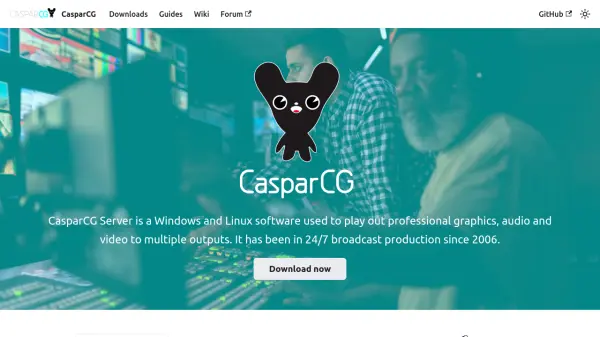
CasparCG Server is a professional broadcast playout software designed for real-time production environments. It enables users to output high-quality graphics, audio, and video to multiple destinations simultaneously, supporting 24/7 operations since its inception in 2006. The software is widely adopted by European broadcasters, offering reliability and flexibility for live broadcast applications.
Built with an extendable engine, CasparCG Server features a layer-based compositor and an open network protocol, allowing seamless integration with various controllers. It operates under the GPL license, ensuring no license fees or commercial limitations, and is backed by an active community that provides documentation, guides, and support through forums and resources.
Features
- Professional Playout: Outputs graphics, audio, and video to multiple destinations
- Layer-Based Compositor: Enables complex visual compositions in real-time
- Open Network Protocol: Facilitates integration with various controllers and systems
- Free and Open Source: Available under GPL license with no fees or limitations
- Proven Reliability: Used in 24/7 broadcast production since 2006 by European broadcasters
Use Cases
- Live television broadcasting
- Real-time video production for events
- Professional audio and video playout in studios
- Multi-output display systems for broadcast
- Integration with broadcast control systems