

What is Card Scanner?
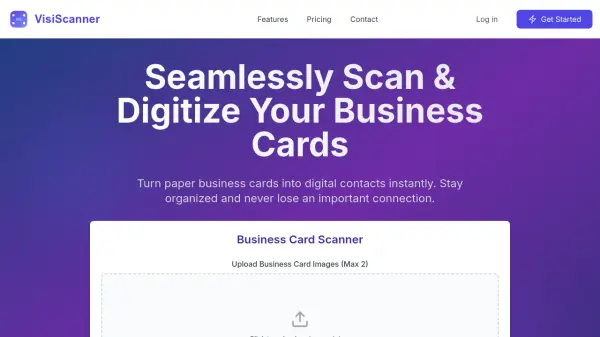
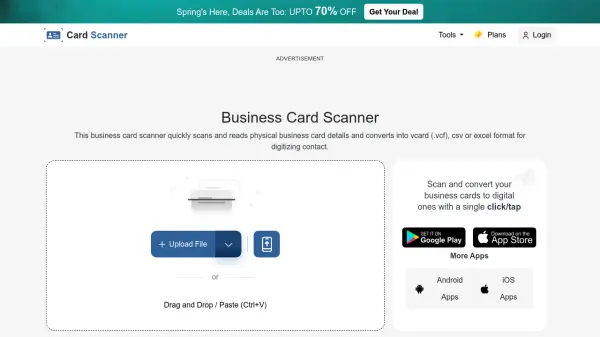
Card Scanner is an online service designed to function as a business card reader and digitizer. It employs AI-based Optical Character Recognition (OCR) technology to automatically scan physical business cards and extract key information. This includes details such as name, email address, phone number, job title, company name, and address directly from the card image.
Once the data is captured, the tool allows users to export it into standard digital formats, primarily vCard (.vcf), which is widely used for sharing contact information electronically. Additionally, data can be exported into CSV or Excel formats for seamless integration with contact management systems (CMS) or spreadsheets. This process helps users digitize their business connections efficiently, saving time and effort compared to manual data entry while organizing contact details effectively.
Features
- AI Extraction: Uses AI-powered OCR technology for accurate information extraction from various card designs.
- Multiple Upload Options: Supports uploads from local storage, URL, and Dropbox.
- Data Export Options: Exports contact information into VCF, CSV, or Excel formats.
- Batch Conversion: Allows uploading and converting multiple business cards simultaneously.
- Multilingual Support: Recognizes text from various languages.
- Multi-Type Card Support: Scans visiting cards, corporate cards, membership cards, payment cards, etc.
- Secure Processing: Deletes uploaded and converted files from servers after conversion.
- Simple UI: Easy-to-navigate interface for quick digitization.
Use Cases
- Sales Professionals: Automate contact saving from potential buyers.
- Marketing Professionals: Quickly capture contact details at events, seminars, and expos.
- Entrepreneurs: Efficiently manage contacts with partners, investors, and clients.
- Event Planners: Capture and manage vendor and client information for events.
- HR Professionals: Digitize contact details for business partners, potential clients, and recruits.
- Real Estate Agents: Capture information from potential buyers, sellers, and other agents.
FAQs
-
Is this business card digitizer mobile-friendly?
Yes, the platform is fully optimized for use on desktops, mobiles, or tablets. -
Can I upload images directly from my mobile to the desktop?
Yes, the desktop version provides a QR code option to scan with your phone, allowing direct image capture and upload from your smartphone to your desktop. -
How long does it take to process a business card?
Processing typically takes only a few seconds, although the time may vary slightly depending on the image size. -
What happens if the uploaded Card is blurry?
The tool uses advanced AI-based OCR technology and can often scan and extract data even from pixelated or blurry card images. -
How can I scan and save business cards to Google contacts?
Upload your card to get its VCF (vCard) file. You can then upload this VCF file into your Google contacts to save the details.