What is BuzzCut AI?
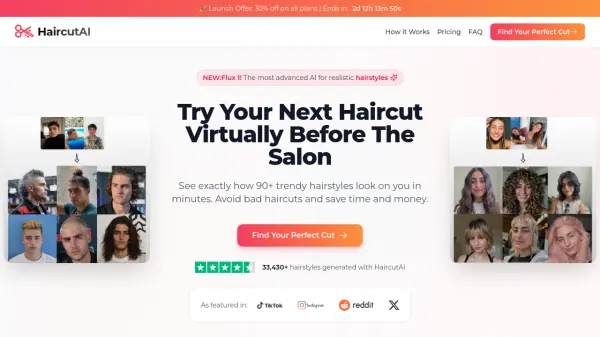
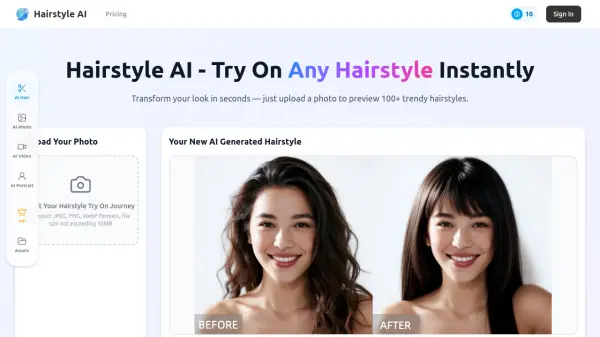
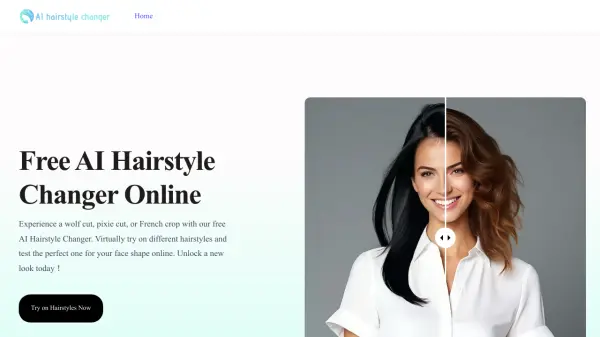
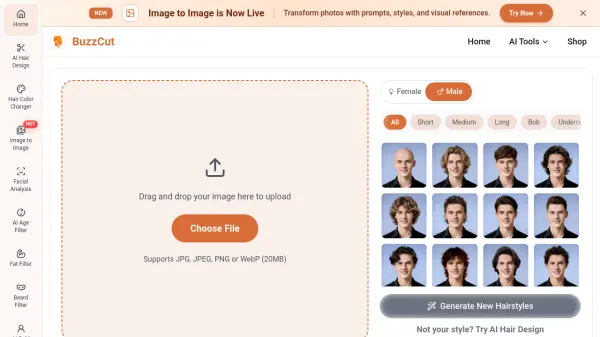
BuzzCut AI is an online AI-powered hairstyle changer that lets you preview buzz cuts, crew cuts, and over 40 other short hairstyles on your own photo. Simply upload a clear front-facing photo and select a style to see a realistic, AI-generated preview in seconds. The tool offers 7 different buzz cut guard lengths—from #4 (12mm) to #16 (51mm)—as well as options like faded, curly, and textured styles. No credit card is required to try it, and results are available instantly.
Beyond buzz cuts, BuzzCut AI includes a suite of AI image tools such as an AI Hair Design studio, Hair Color Changer, Image to Image transformation, facial analysis, and filters for age, beard, baldness, smile, skin color, and more. The platform is designed for anyone curious about changing their hairstyle, helping users make confident decisions without the risk of haircut regret. Businesses can also integrate the AI hairstyle try-on feature for their own applications.
Features
- AI Buzz Cut Filter: Instantly preview over 40 buzz cut and short hairstyles on your own photo with realistic AI generation.
- 7 Guard Length Options: Choose from #4 (12mm) to #16 (51mm) to see how different buzz cut lengths look on you.
- Additional Hairstyles: Explore styles like crew cut, textured, curly, slick back, bob, undercut, and more.
- AI Hair Design: Generate custom hairstyles beyond preset options using AI.
- Hair Color Changer: Change your hair color virtually with AI.
- Image to Image: Transform photos using prompts, styles, and visual references.
- Facial Analysis & Filters: Includes AI age filter, fat filter, beard filter, bald filter, smile filter, skin color changer, and more.
- Free to Use: No credit card required; upload a photo and try styles instantly.
Use Cases
- Try on a buzz cut before visiting the barber
- Compare different buzz cut guard lengths to choose the right one
- Experiment with short hairstyles for a new look
- Show a barber a realistic preview of the desired haircut
- Virtual makeover for fun or social media
- AI hair try-on for hair salons and barbershops to offer to clients
FAQs
-
Is the AI Buzz Cut Filter really free?
Yes. You can upload a photo and try buzz cut styles online without upfront cost. -
How accurate are the AI-generated buzz cut previews?
The AI maps your facial features, hairline, and head shape to generate a realistic short-hair preview you can use before deciding on a real cut. -
What photo quality do I need for best results?
Use a clear, front-facing photo with good lighting. Avoid heavy shadows, hats, or anything covering your hairline. -
Can I try different buzz cut lengths?
Yes. You can experiment with different guard-length-inspired buzz cut looks and compare which one fits you best. -
Is my photo data secure and private?
Photos are used for the generation flow and handled securely. We do not expose your uploaded images publicly.