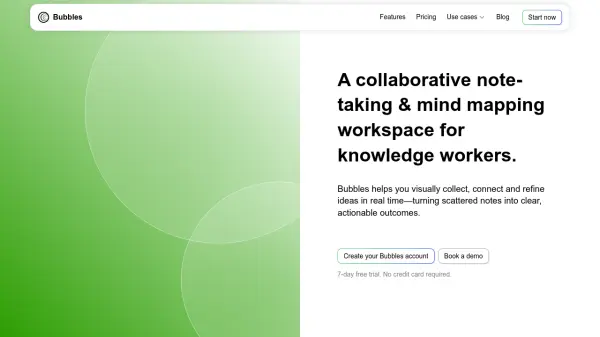
What is Bubbles?
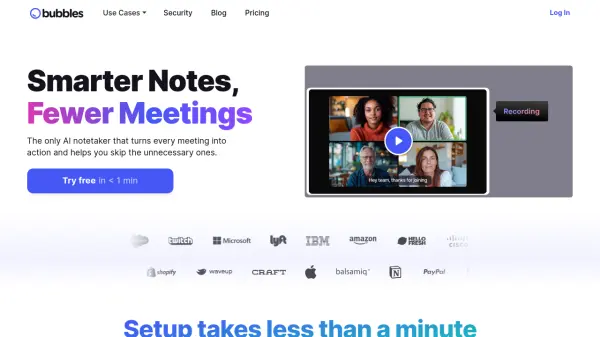
Bubbles enhances meeting productivity by providing AI-powered note-taking, recording, and transcription services. The platform seamlessly integrates with popular meeting platforms and turns discussions into clear action items and organized summaries.
It streamlines post-meeting workflows and facilitates asynchronous collaboration, ensuring all team members stay aligned and informed without the need for constant follow-up meetings.
Features
- Rich commenting: Point anywhere on meeting recordings and respond asynchronously with text or another recording.
- AI summaries and action items: Instantly receive AI-generated summaries and action items by participant.
- Centralized meeting storage: Organize recordings and share folders with coworkers and guests.
- Async video replies: Avoid follow-up calls with rich video replies.
- Browser Extension: Record live meetings or your screen and voice directly from your browser.
- Asynchronous Collaboration: Resolve ad-hoc questions, check in on projects and share feedbacks.
Use Cases
- Streamlining team meetings and reducing follow-up calls.
- Asynchronously reviewing designs, websites, and other documents.
- Facilitating collaboration with clients, vendors, and contractors.
- Checking in on project timelines and action items without disrupting the team.
- Sharing feedback with context using text, video, screen, and voice annotations.
FAQs
-
Is there a trial period for Pro Teams and Pro Personal?
Every new workspace starts with a 14-day free trial for Pro. -
How do I switch between Pro Personal and Pro Teams?
You switch by simply adding or removing members from your workspace. At 1 or 2 members, you are automatically switched to Pro Personal, and at 3 or more members, you are switched to Pro Teams. -
What level of control do I have over which meetings the Notetaker joins and who receives recordings?
On the Pro plan, you can configure the Notetaker to join meetings based on criteria and manually enable or disable it. On the Free plan, the Notetaker joins all meetings with at least 2 invitees and a supported link. You can also control who receives recordings on the Pro plan. -
How secure are the recordings and transcripts?
Bubbles uses the best tools and security practices to keep your data safe. More information is available at Bubbles Security. -
What customer support is available?
24/7 customer support is available, with responses expected within 24 hours Mon-Fri. You can email or send a Bubble to [email protected] or join our Slack at Bubbles Slack.