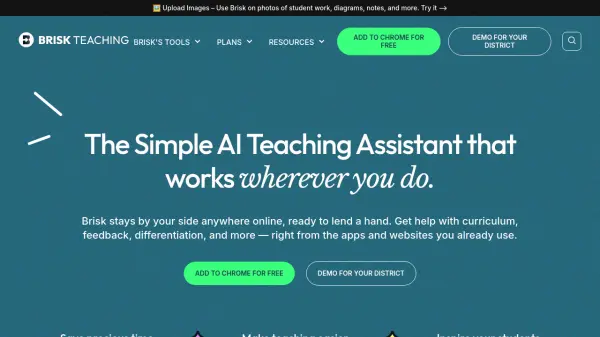
What is Brisk Teaching?
Brisk Teaching is a powerful AI assistant designed to support educators. Integrated seamlessly as a Chrome extension, it helps streamline various teaching tasks directly within the apps and websites that teachers already use.
This tool provides assistance for several essential teaching activities, including content creation, generating personalized feedback, inspecting student writing processes, and adjusting text reading levels. By simplifying these processes, Brisk Teaching helps reduce the workload and allows educators to spend more time on what's important, improve efficiency, and promote better learning outcomes.
Features
- Create Content: Generate presentations, quizzes, lesson plans, rubrics, and other teaching materials.
- Give Feedback: Provide personalized feedback in students' Google Docs, choosing from various styles like Glow & Grow, Rubric Criteria, and Next Steps.
- Inspect Writing: Analyze students' writing processes with a video view of their revisions.
- Change Reading Levels: Adapt online text to different reading levels and translate it into multiple languages.
- Boost Activities: Transform online resources into interactive learning experiences.
- AI IEP Goal Generator: Easily develop IEP goal plans.
- Math Spiral Review: Generate math spiral reviews aligned with state standards.
- AI Newsletter Generator: Create engaging newsletters for the school community.
Use Cases
- Creating lesson plans and educational materials.
- Generating personalized feedback for student assignments.
- Adjusting text complexity for differentiated instruction.
- Translating materials for multilingual learners.
- Creating interactive learning activities.
- Developing IEP goals and plans.
- Generating newsletters and emails for parent communication.
- Analyzing student writing processes.
FAQs
-
How do I install Brisk Teaching?
Add the Brisk Teaching extension to Chrome and pin it to your toolbar. -
How do I get 10% off the first year of Brisk Educator Pro?
Click on the Brisk extension, then click on Brisk Educator Pro at the top. Find “Get Educator Pro” and click Purchase.