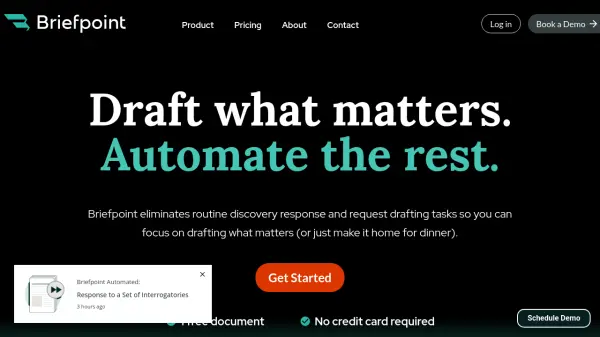
What is Briefpoint?
Briefpoint revolutionizes legal discovery workflows by automating the drafting process for responses to Requests for Admission, Requests for Production, and Interrogatories. The platform leverages advanced AI technology to suggest and write tailored content while maintaining firm-wide standardization of objections and responses.
With enterprise-grade security features and compliance measures, including data encryption and BAA support, the platform ensures protection of attorney work product. The system integrates seamlessly with existing case management systems, allowing legal professionals to efficiently manage, review, and serve discovery documents.
Features
- AI-Powered Suggestions: Automated content generation for discovery responses
- Firm Standardization: Consistent objections and responses across the organization
- Document Collaboration: Team-based workflow management
- Security Compliance: Data encryption and BAA support
- Calendar Integration: Automatic due date tracking
- Multi-Document Support: Handles RFAs, RFPs, and Interrogatories
Use Cases
- Drafting responses to Requests for Admission
- Preparing Requests for Production responses
- Managing Interrogatory responses
- Standardizing firm-wide discovery practices
- Automating routine discovery tasks
- Maintaining consistent legal objections
FAQs
-
How much time can firms save using Briefpoint?
According to platform statistics, firms can save up to 87% of time per discovery document. -
What types of discovery documents does Briefpoint support?
Briefpoint supports Requests for Admission, Requests for Production, and Interrogatories.