What is BreederSpot?
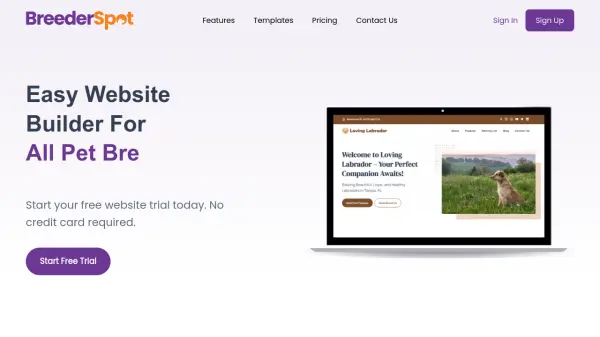
BreederSpot is a specialized website builder tailored for pet breeders, enabling them to create professional websites without any coding knowledge. The platform offers a drag-and-drop page builder, SEO-friendly features, and mobile-responsive designs to ensure a seamless experience across devices. With fast and secure hosting, lightning-fast load times, and daily backups, BreederSpot provides reliable infrastructure. Users can choose from ready-made templates and customize their site with ease. Additionally, the Business Plan includes integrated pet breeding management, medical records, financial management, inventory, contracts, and email marketing tools to streamline operations.
Features
- SEO-Friendly Website Builder: Create a search engine friendly website to drive organic traffic.
- Mobile-Friendly Designs: Responsive templates ensure seamless experience across all devices.
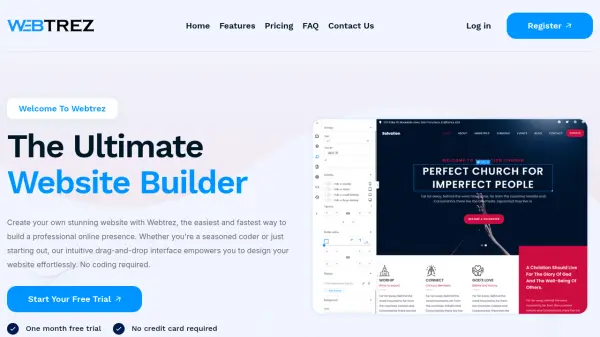
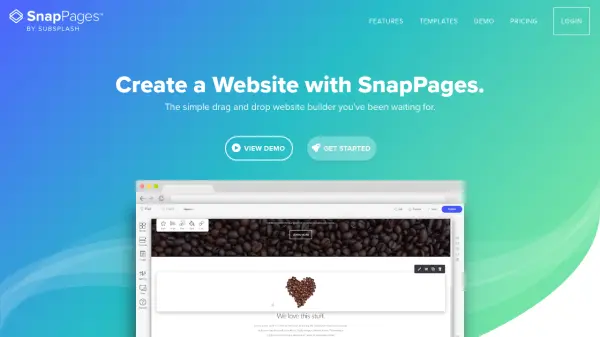
- Drag and Drop Page Builder: Build pages easily with an intuitive drag-and-drop interface.
- Fast and Secure Hosting: Lightning-fast TTFB under 100ms with free SSL.
- Free Image CDN: Faster image loading via content delivery network.
- Daily Backups: 30-day backup history for files and database.
- Pet Breeding Management (Business Plan): Manage breeding records, medical history, finances, inventory, and contracts.
- Email Marketing (Business Plan): Integrated email marketing tools.
Use Cases
- Pet breeders creating a professional website to showcase their breeding program
- Breeders managing medical records and financial data for their animals
- Pet breeders selling puppies or kittens online
- Breeders building an online presence to attract customers
- Managing inventory and contracts for pet sales
FAQs
-
Do you offer a free trial?
Yes, we offer a 14-day free trial period for all our premium plans. No credit card is required to start the trial. -
Do I have to enter my credit card to sign up?
No. You can open a trial account at any time with no credit card required. Credit card entry is only necessary if you choose to go premium after the trial. -
Can I switch my subscription plan?
Yes, you are free to switch between plans. Upgrading gives you more features; downgrading may block or limit existing features. -
Do you offer discounts for annual subscriptions?
Yes, annual subscriptions offer savings compared to monthly pricing. -
What types of payment methods do you accept?
We use Stripe for secure payments, accepting credit and debit cards.