What is BrandBird?
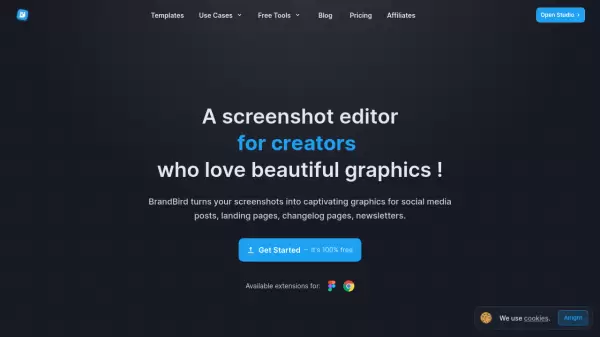
BrandBird is a sophisticated design platform that transforms the way creators and businesses approach visual content creation. The tool specializes in enhancing screenshots and creating professional mockups, offering a streamlined solution for social media graphics, product presentations, and marketing materials.
With features like 3D effects, smart positioning, custom watermarks, and annotation layers, BrandBird enables users to create polished visuals without extensive design expertise. The platform supports multiple social media formats and includes integrations with popular tools like Figma and Chrome, making it an efficient solution for modern digital content creation.
Features
- Brand Kits: Organize brand assets, watermarks, logos, colors, and fonts
- 3D Effects: Convert 2D images into stunning 3D graphics
- Smart Positioning: Pixel-perfect positioning with intelligent position picker
- Mockups & Frames: High-fidelity professional mockups for images
- Annotation Layers: Add emojis, text, arrows, shapes, and more
- Social Media Integration: Support for Twitter, Instagram, Facebook, LinkedIn sizes
- Chrome & Figma Extensions: Direct screenshot and design imports
- Security Features: Blur and pixelate sensitive information
Use Cases
- Social media content creation
- Product screenshots and presentations
- Marketing material design
- Brand asset management
- Website mockups
- Professional presentation graphics
- Content repurposing across platforms
FAQs
-
Who is behind Brandbird?
BrandBird was created by Jim Raptis, who built the tool to solve his own challenges in creating social media graphics efficiently, even as a designer. -
Can I cancel my plan anytime?
Yes, you can cancel your plan anytime via your dashboard. -
Do you offer refunds?
Refunds are available if requested within 24 hours of the transaction.