Botnik favicon

Botnik
Remixing Language with Predictive Text

What is Botnik?

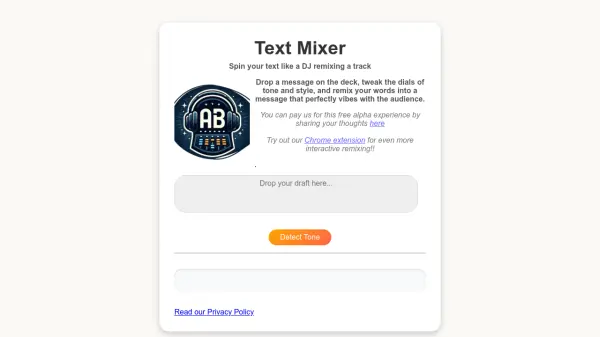
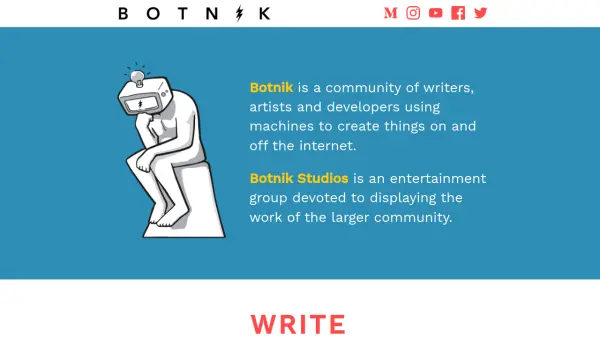
Botnik is a community of writers, artists, and developers who utilize machines to create a variety of online and offline projects. The core offering is Voicebox, a creative keyboard that functions as a remixing tool for language.

Similar to predictive text on a mobile phone, Voicebox suggests words based on user-defined source material. Users can select from a range of pre-loaded "Voices," such as pancake recipes, Jerry Seinfeld stand-up routines, or Harry Potter narration, to influence the suggested words. This allows for the creation of unique and often humorous text outputs.

Features

  • Voicebox: A creative keyboard for remixing language using predictive text.
  • Custom Source Material: Word suggestions are based on chosen source text.
  • Pre-loaded Voices: Offers a variety of ready-to-use sources like pancake recipes, stand-up comedy, and literature.

Use Cases

  • Creative writing
  • Generating unique content
  • Experimenting with language
  • Creating humorous text
  • Developing new writing styles
Related Tools:

Blogs:

  • Top AI tools for Teachers

    Top AI tools for Teachers

    Explore the top AI tools designed for teachers, revolutionizing the education landscape. These innovative tools leverage artificial intelligence to enhance teaching efficiency, personalize learning experiences, automate administrative tasks, and provide valuable insights, empowering educators to create engaging and effective educational environments.

  • Best AI tools for Room Design

    Best AI tools for Room Design

    Discover cutting-edge AI tools that redefine the art of room design. From layout optimization to aesthetic finesse, these top-tier tools enhance your space to new heights.

  • Top 6 AI note-taking tools for 2026: in-person, online, and hybrid use cases

    Top 6 AI note-taking tools for 2026: in-person, online, and hybrid use cases

    Most AI note-taking lists are really lists of meeting bots, which join your video call and transcribe it. That's useful, but it's half the picture. Decisions happen in hallway conversations, client dinners, on-site visits, and hybrid rooms where nobody is on a video link. This guide covers different parts of the note-taking workflow: hardware capture for in-person settings, platform-native tools for online calls, and AI layers for organizing and synthesizing what you've captured. It compares six tools by capture context, workflow fit, pricing, and limitations.

Didn't find tool you were looking for?

Be as detailed as possible for better results