What is Bini Games?
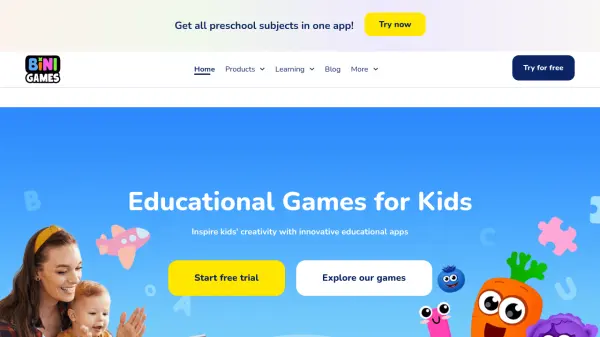
Bini Games provides a comprehensive suite of educational applications designed specifically for preschool-aged children. These interactive tools transform early learning into an engaging adventure by combining educational content with playful elements. The platform covers essential preschool subjects including math, reading, drawing, coding, and life skills through various specialized apps like Funny Food World, Drawing Academy, and Bini ABC Games.
Each application features vibrant animations, captivating characters, and age-appropriate activities that maintain children's interest while supporting developmental milestones. The games incorporate proven educational mechanics developed by child development experts to ensure effective learning outcomes. Parental controls and safety features provide a secure environment, allowing children to explore independently while giving parents peace of mind about screen time quality.
Features
- Interactive Learning Games: Vibrant animations and story-based activities that make education engaging for preschoolers
- Comprehensive Subject Coverage: Multiple apps covering math, reading, drawing, coding, and life skills development
- Parental Controls: Safety features that prevent accidental purchases and limit screen time
- Expert-Designed Content: Educational mechanics developed by child development specialists
- Age-Appropriate Activities: Content tailored to different developmental stages and abilities
Use Cases
- Preschool education and skill development
- Supplementing traditional learning methods with interactive content
- Engaging children during travel or downtime
- Building foundational skills in math, reading, and logic
- Developing creativity through drawing and storytelling activities