What is Berrioo?
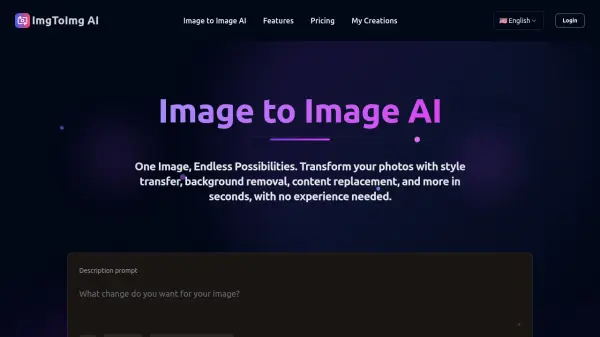
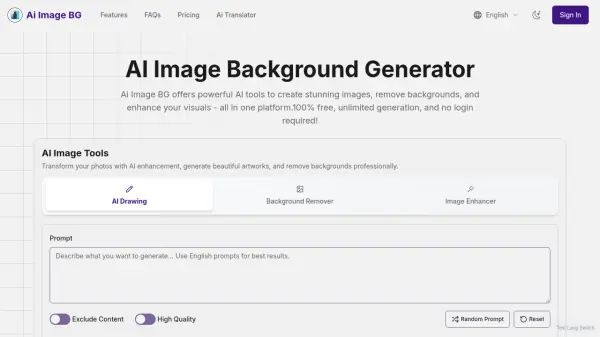
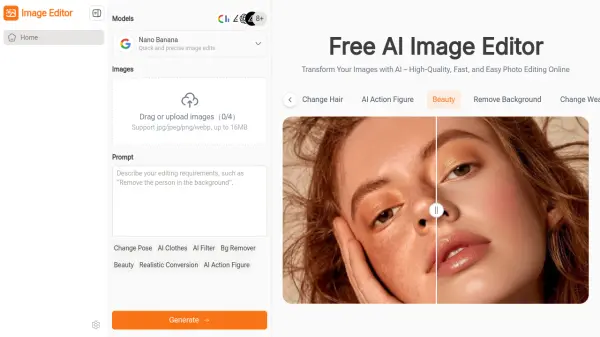
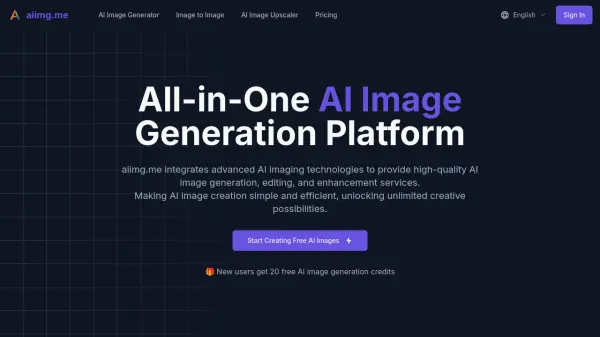
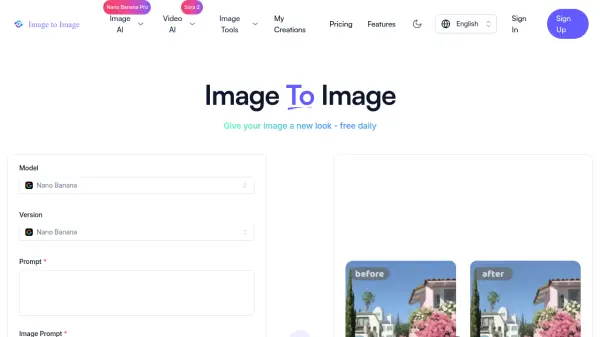
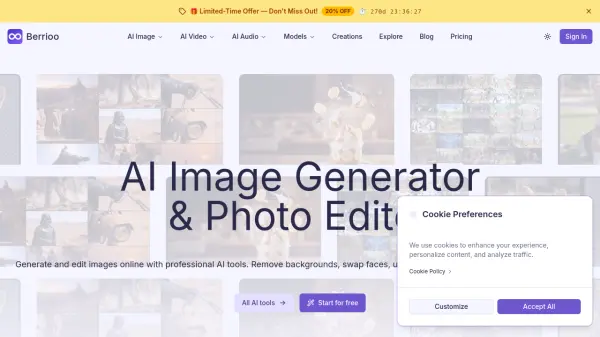
Berrioo is an AI-powered platform that enables users to generate and edit images directly in their browser. It leverages advanced AI technologies from providers like ByteDance Qwen and Black Forest Labs to deliver professional-quality visual content. The platform offers a comprehensive suite of tools including text-to-image generation, image-to-image transformation, and AI photo editing features such as background removal, face swapping, and upscaling.
Users can create stunning visuals from simple text prompts, transform existing photos with artistic styles, and enhance image quality with intuitive one-click actions. Berrioo provides full commercial rights to all creations, ensuring users own their generated content. The platform is designed for ease of use, requiring no technical skills or software installation, and supports high-resolution exports up to 4K for various applications.
Features
- Text-to-Image AI: Turn words into professional-quality images with 20+ artistic styles and instant variations
- Image-to-Image AI: Transform uploaded photos with style changes, lighting adjustments, and composition-aware variations
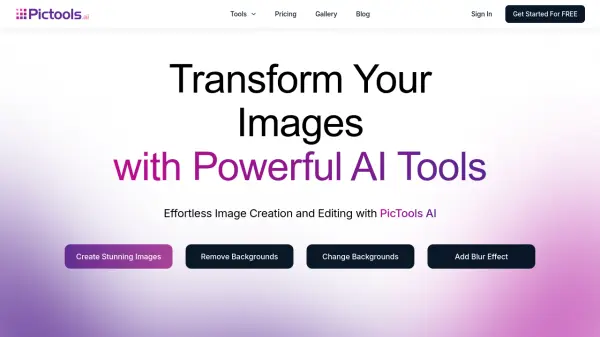
- AI Photo Studio: Edit photos with one-click actions for background removal, face swapping, object removal, and upscaling
- Professional Models: Access curated AI models like Nano Banana Pro, Flux 2 Max, and Qwen Image for enhanced generation
- Batch Processing: Handle multiple images simultaneously with advanced batch operations for efficient workflow
Use Cases
- Creating advertising-style food photography and product visuals
- Generating photorealistic images for social media and marketing campaigns
- Removing backgrounds from product photos for e-commerce listings
- Enhancing personal photos with artistic styles and quality improvements
- Producing visual content for blogs, websites, and digital presentations
FAQs
-
Do I own the commercial rights to generated content?
Yes, full commercial rights are included for all your projects. -
Do I need to install any software?
No, all tools operate entirely in your browser with no installation required. -
What is the difference between subscriptions and credits?
Subscriptions provide monthly credit allowances for image generation and editing, with credits determining usage limits. -
Is my data and content private?
The platform ensures data privacy, though specific details should be reviewed in their privacy policy.