What is Beemer?
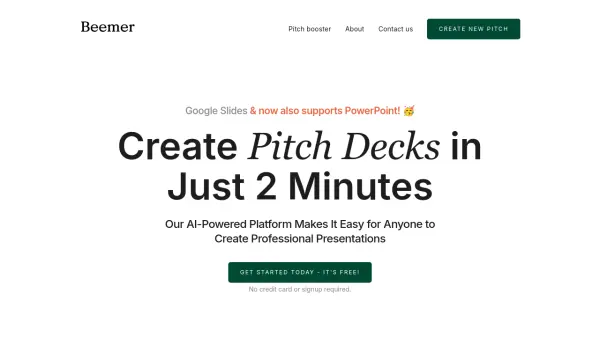
Beemer is an AI-powered platform designed to help startups create professional pitch decks quickly and efficiently. By simply providing a brief description of your business, Beemer generates a complete presentation compatible with Google Slides and PowerPoint.
The platform focuses on providing a perfect pitch structure based on thorough research, and offers a sleek, minimalistic slide deck template. Beemer allows for seamless collaboration using familiar tools and easy export options, making presentation delivery simple and effective.
Features
- AI-Powered Generation: Creates complete presentations from a short business description.
- Google Slides & PowerPoint Support: Generates presentations compatible with both platforms.
- Pre-Designed Template: Offers a sleek and minimalistic slide deck template.
- Seamless Collaboration: Allows team collaboration using existing tools.
- Pitch Booster Package: Includes an executive summary, investor email pitch letters, and extra slide layouts.
- Easy Export: Facilitates easy exporting to Google Slides and PowerPoint.
Use Cases
- Creating investor pitch decks
- Developing presentations for startup competitions
- Generating marketing presentations
- Quickly creating slide decks for business proposals