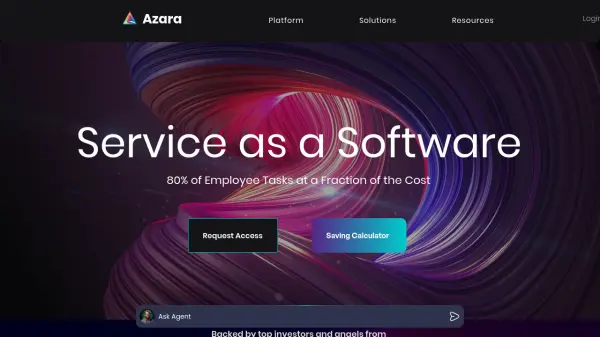
What is Azara?
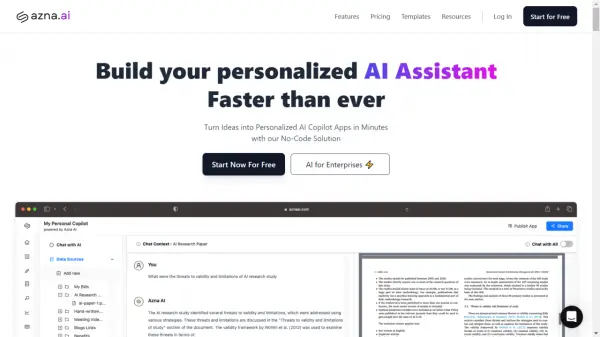
Azara offers a first-of-its-kind natural language solution designed to automate a wide range of business workflows. Business users can interact with Azara using simple text or voice commands, eliminating the need for coding, drag-and-drop interfaces, or pre-programmed responses. The platform prioritizes security and privacy, employing encryption and adhering to GDPR, SOC 2 (Type 2), and HIPAA regulations, along with audit trails for enhanced data control.
Azara facilitates secure and private AI training, enabling organizations to leverage their proprietary data for customized automation. This ensures that the AI agents are tailored to the specific needs and processes of each business.
Features
- Text-to-action: Automate work by simply typing or talking.
- Secure AI Training: Train AI models on your private data with encryption and compliance.
- Agent Teams: Deploy and manage a team of AI agents.
- Lead Capture: Capture leads 24/7 with AI-driven engagement
- Complete Control: Enterprise-ready escalation, notifications, security, and permissions.
- Multi-Platform Export: Connect AI Agents to Website, WhatsApp, Emails, Slack, SMS, CRM, and more.
- Quick Setup: Create and deploy AI agents within minutes.
Use Cases
- Employee and Customer Onboarding
- 24/7 Customer Support
- Document Management Automation
- Sales Lead Capture and Conversion
FAQs
-
How are agents better than chatbots?
The website does not elaborate on this question much, more information is available via a link.