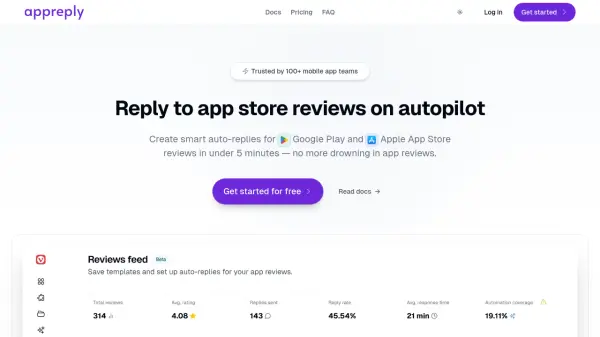
What is AppReply?
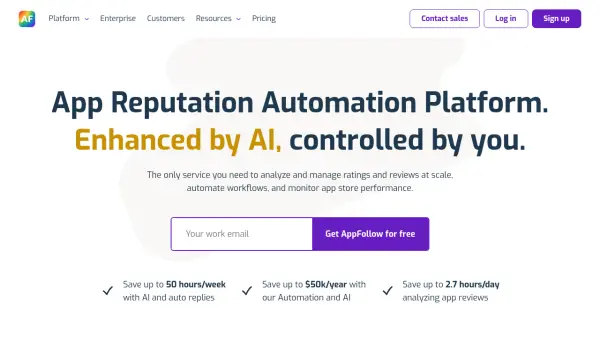
AppReply is designed to streamline the management of app store reviews by automating responses. It enables mobile app teams to create and deploy smart auto-replies for reviews on both the Google Play Store and Apple App Store. The platform focuses on reducing the manual workload associated with responding to user feedback, allowing teams to set up automated workflows in minutes.
The tool provides features for managing reviews efficiently, including a live feed to monitor feedback in real-time and the ability to generate personalized AI responses instantly. Users can establish rules based on keywords, language, and review ratings to trigger specific replies. It also supports the creation and organization of response templates in multiple languages, ensuring consistent and appropriate communication with a global user base. Integrations with major app stores are available, with more planned for future release.
Features
- Auto-replies: Set up workflows that automatically respond to reviews based on defined criteria.
- Custom Auto-Reply Rules: Trigger responses based on keywords, language, and ratings.
- Dynamic Template Rotation: Automatically rotate replies from selected template folders for variety.
- Live Reviews Feed: Monitor and manage all app store reviews in real-time with filtering options.
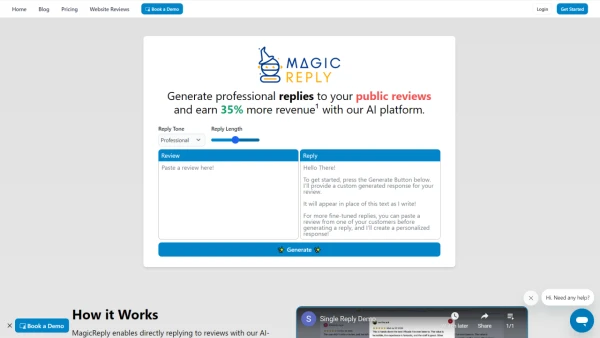
- One-click AI Responses: Generate personalized, empathetic replies instantly using AI.
- Canned Responses: Create, manage, and organize response templates.
- Multi-language Support: Manage template folders in multiple languages.
- App Store Integrations: Connect securely with Google Play and Apple App Store.
Use Cases
- Automating responses to Google Play reviews.
- Automating responses to Apple App Store reviews.
- Managing high volumes of user feedback efficiently.
- Improving app store ratings through timely responses.
- Saving time for customer support and product teams.
- Maintaining brand voice consistency in replies.
- Engaging with users based on specific feedback (e.g., crash reports, feature requests).
- Responding to users in multiple languages.
FAQs
-
How long does it take to set up AppReply?
Setting up secure integrations with app stores takes less than 10 minutes, and the overall auto-reply setup can be completed in under 5 minutes. -
Which app stores does AppReply support?
AppReply currently supports Google Play and the Apple App Store. Integrations with Huawei AppGallery, Samsung Galaxy Store, Steam, and Amazon App Store are planned. -
Is there a free plan available?
Yes, AppReply offers a 'Free Forever' plan suitable for indie developers, which includes 1 Google Play integration, 2 auto-reply rules, 100 manual responses, and unlimited auto-replies. -
How does AppReply ensure data security?
AppReply uses AES-256 encryption for data at rest and TLS for data in transit. API keys are encrypted at the application level. Payments are handled via LemonSqueezy (PCI-DSS compliant), it adheres to GDPR, guarantees 99.9%+ uptime, hosts data securely on Vercel, and does not track or sell user data.