
What is aitext.chat?
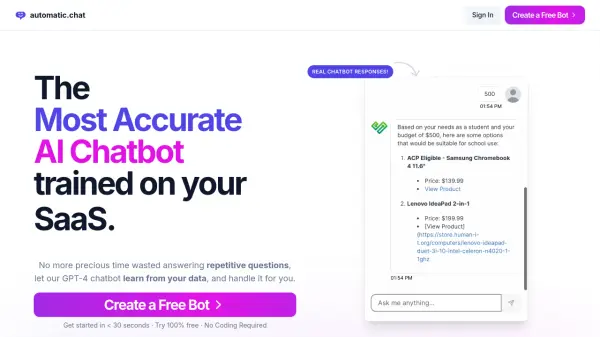
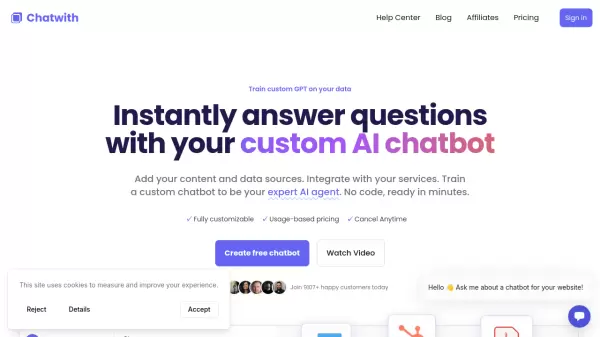
aitext.chat offers a platform for creating custom GPT chatbots. These AI assistants are trained on data provided by the user, ensuring accurate and up-to-date knowledge. Users can import data through various methods, including uploading Word documents, PDF files, text files, and crawling websites.
Once the data is imported, the assistant can be trained to focus on it, while also maintaining the ability to answer other questions. The platform provides tools to customize the appearance of the AI Assistants, ensuring brand consistency. Additionally, these chatbots can be embedded on any website as a chatbot or iframe.
Features
- Data Import: Import website data, text files, Word documents, PDF documents and more.
- Customize Appearance: Change the appearance of your AI Assistants to make them look like your brand.
- Embed: Embed as Chatbot or iframe, on any site you choose.
- Powered by ChatGPT: Choose between different ChatGPT models, include GPT-3.5 Turbo and GPT-4o.
- Security: You decide who should be allowed to use, or host, your AI Assistants and chatbots.
- Analytics: Chat logs and advanced insights.
Use Cases
- Creating customer support chatbots trained on company documentation.
- Building AI assistants for internal knowledge bases.
- Developing interactive FAQs for websites.
- Generating personalized chatbot experiences for users.
FAQs
-
What is a dataset?
A dataset is the knowledge base of your assistant. It is a collection of sources, like websites, files, texts etc. -
What are sources?
Sources are files, texts and website links you add to each dataset. Each one of these will count as 1 source against your payment plan limit. -
What are credits?
On paid plans, you can choose how many credits you want each month, credits are spent when your assistant answers questions or perform certains tasks. Credits will reset to your chosen amount each month. -
What happens to datasets and assistants in free accounts?
Datasets and assistants in free accounts will be deleted if inactive for more than 7 days.