AI Tutor Pro favicon

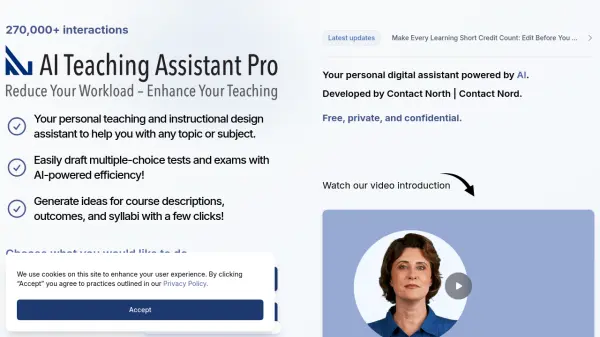
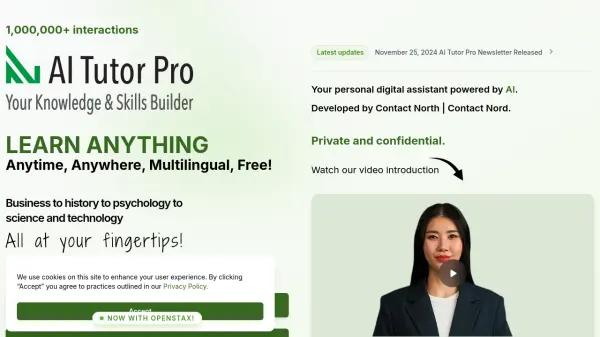
AI Tutor Pro
Your personal digital assistant powered by AI.

What is AI Tutor Pro?

Developed by Contact North | Contact Nord, a not-for-profit corporation established in 1986, this tool provides a personalized learning experience. It assists users in checking and growing their knowledge and skills on any topic, from business and history to psychology, science, and technology.

Interactions with the tool are private and confidential, ensuring a secure learning environment. The inclusion of OpenStax resources further enhances the educational content available.

Features

  • Knowledge Check: Evaluate understanding of various subjects.
  • Skill Development: Enhance knowledge and skills in diverse fields.
  • Multilingual Support: Access learning resources in multiple languages.
  • OpenStax Integration: Utilize OpenStax materials for enhanced learning.
  • Privacy and Confidentiality: Secure and private interactions.

Use Cases

  • Studying for exams
  • Learning a new subject
  • Improving skills in a specific area
  • Accessing educational resources in different languages
  • Self-assessment of knowledge
Helpful for people in the following professions

Related Tools:

Blogs:

  • AI Testimonial Videos: How to Build Social Proof That Actually Converts

    AI Testimonial Videos: How to Build Social Proof That Actually Converts

    AI testimonial videos are transforming marketing in 2026 by helping businesses create professional customer-style videos quickly and affordably. Using real customer reviews, short scripts, and AI tools like Pollo AI, brands can produce engaging testimonials for social media, landing pages, and ads while saving time and improving conversions.

  • Top 6 AI note-taking tools for 2026: in-person, online, and hybrid use cases

    Top 6 AI note-taking tools for 2026: in-person, online, and hybrid use cases

    Most AI note-taking lists are really lists of meeting bots, which join your video call and transcribe it. That's useful, but it's half the picture. Decisions happen in hallway conversations, client dinners, on-site visits, and hybrid rooms where nobody is on a video link. This guide covers different parts of the note-taking workflow: hardware capture for in-person settings, platform-native tools for online calls, and AI layers for organizing and synthesizing what you've captured. It compares six tools by capture context, workflow fit, pricing, and limitations.

Didn't find tool you were looking for?

Be as detailed as possible for better results