What is AI Signature Generator?
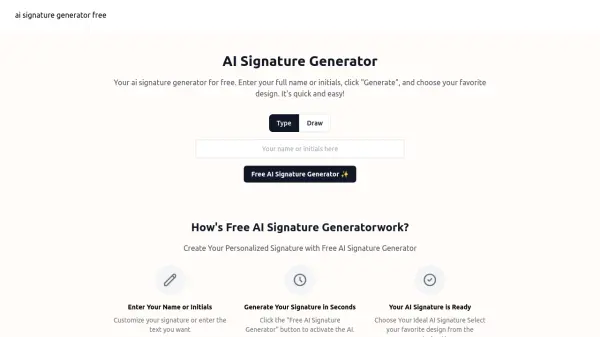
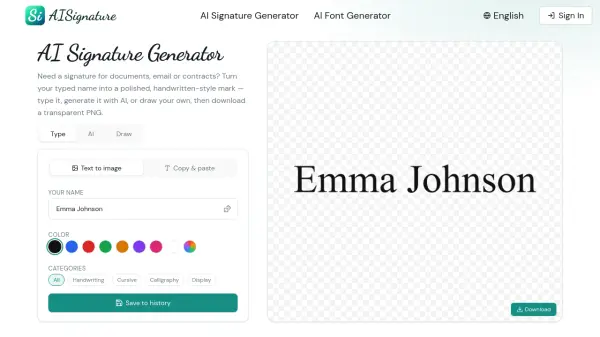
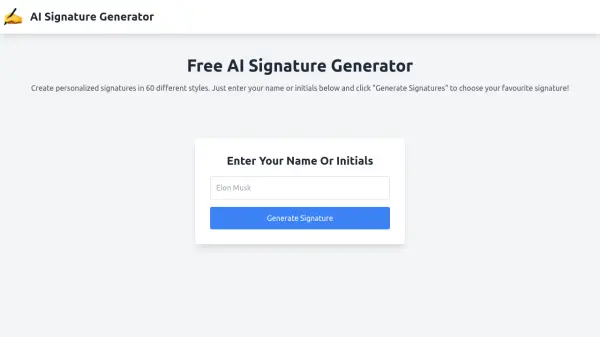
AI Signature Generator is a free online tool that allows users to create personalized digital signatures. The platform utilizes artificial intelligence to generate over 60 distinct signature styles based on the user's input of their name or initials.
After generating the signatures, users can select their preferred style and download it as a high-quality PNG image with a transparent background. This image file can then be easily inserted into digital documents.
Features
- Multiple Styles: Generates 60 different signature styles.
- High-Quality Output: Provides downloadable signatures in high-quality PNG format.
- Transparent Background: Signature images have a transparent background for easy integration.
- Easy Download: One-click download of the selected signature.
- Free to use: It is completely free.
Use Cases
- Digitally signing documents
- Creating email signatures
- Adding a personal touch to online forms
- Using on websites or blogs
FAQs
-
Can I change the signature after it's created?
Yes, you can use an image editor to adjust the size, color, and other aspects of the signature until you are satisfied. -
Can I use the signature for official documents?
Whether a digitally generated signature can be used for official documents depends on legal regulations, document type, signature verification, and recipient acceptance. -
How to apply the signature to a digital document?
After generating the signature, you can download a high-quality PNG image file with a transparent background. Insert this image file into your digital document. -
Can I share my signature?
Yes, after generating the signature, you can download it for free in PNG image format to any of your devices. -
Will there be more signature styles?
Yes, there will be more signature styles. Currently, our AI generates 60 different signature styles for you to choose from. In the future, we will add more styles.Coming soon...