What is AI Signature Generator?
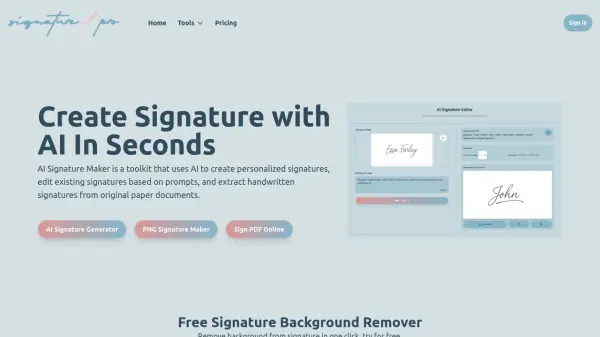
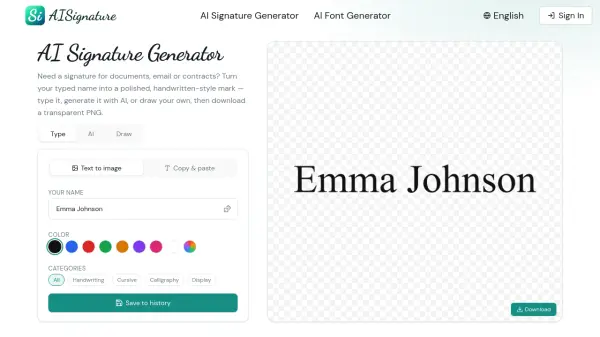
AI Signature Generator is an online tool that transforms typed names into professional, handwritten-style signatures using artificial intelligence. The platform offers three input methods including typing, AI generation, and manual drawing with a built-in signature pad, allowing users to create polished signatures that can be downloaded as transparent PNG files for immediate use on contracts, documents, and email footers.
The tool provides multiple signature style categories including handwriting, cursive, calligraphy, display, gothic, comic, typewriter, tattoo, and retro options. Users can generate unlimited variations, compare styles side by side, and select the signature that best represents their personal or professional identity without requiring any design skills or account creation for basic features.
Features
- AI-Powered Signature Generation: Converts typed names and initials into authentic handwritten-style signatures instantly
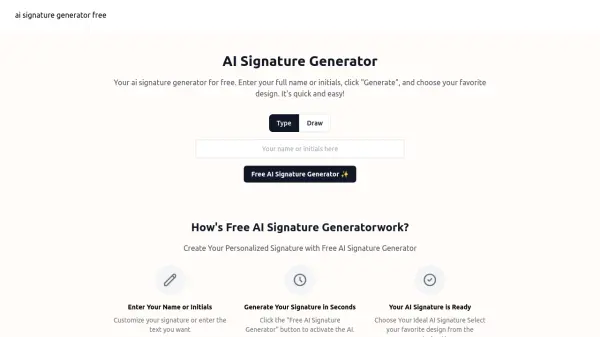
- Multiple Input Methods: Create signatures by typing, AI generation, or drawing with mouse, trackpad, finger, or stylus
- Diverse Style Library: Choose from handwriting, cursive, calligraphy, gothic, comic, typewriter, tattoo, and retro signature styles
- Transparent PNG Export: Download signatures as transparent PNG files that integrate seamlessly into any document
- Unlimited Variations: Generate and compare multiple signature styles side by side before selecting the final version
- Built-in Signature Maker & Pad: Draw custom signatures with smoothing and cleaning technology for professional results
Use Cases
- Signing contracts and legal documents electronically without printing or scanning
- Creating professional email signature footers with consistent branding
- Adding signatures to proposals, invoices, and client agreements for freelancers
- Signing artwork, prints, and creative projects with personalized marks
- Digitizing handwritten signatures for reuse across multiple documents
- Generating signatures for NDAs and approval workflows
- Creating branded personal marks for content creators and influencers
- Signing certificates, forms, and official documents with professional appearance
How It Works
Type Your Name
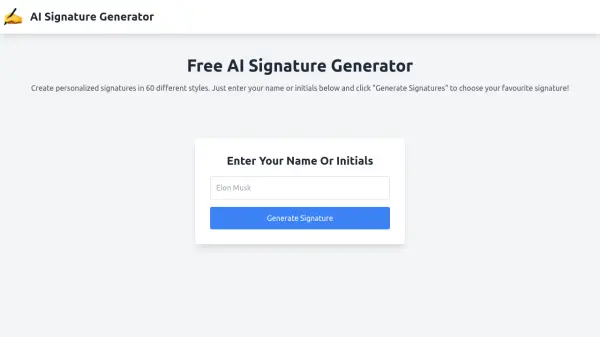
Enter your full name or initials into the AI signature generator interface. The tool will instantly begin processing your input.
Choose a Style
Browse through multiple signature style categories including cursive, calligraphy, handwriting, gothic, and more. Generate as many variations as you like and compare them side by side.
Customize or Draw
Refine your signature by selecting different colors and styles, or switch to draw mode to create a custom signature using the built-in signature pad with your mouse, trackpad, or stylus.
Download and Use
Download your finished signature as a transparent PNG file that can be immediately inserted into documents, contracts, emails, and any other materials where you need a professional signature.
FAQs
-
How does an AI signature generator work?
The AI signature generator takes your typed name or initials and uses artificial intelligence to transform them into handwritten-style lettering that resembles authentic signatures. You can generate multiple variations and compare different styles until you find one that matches your preferences. -
Is this signature generator free?
Yes, the AI signature generator offers a free plan that includes 4 signatures for personal use with email support. Additional features and commercial use options are available in paid plans. -
How do I create a signature for documents?
Simply type your full name or initials into the AI signature generator, browse through the available style categories, and select the signature that looks most like you. Then download it as a transparent PNG file that can be inserted into any document, PDF, or email. -
How do I make my own signature if I don't like typing it?
You can switch to draw mode and use the built-in signature pad to create your own signature with a mouse, trackpad, finger, or stylus. The tool smooths and cleans your strokes into a sharp, exportable signature that can be downloaded and reused. -
Can a signature be just my initials?
Yes, you can enter just your initials instead of your full name, and the AI signature generator will create handwritten-style signatures based on those initials in various style categories.